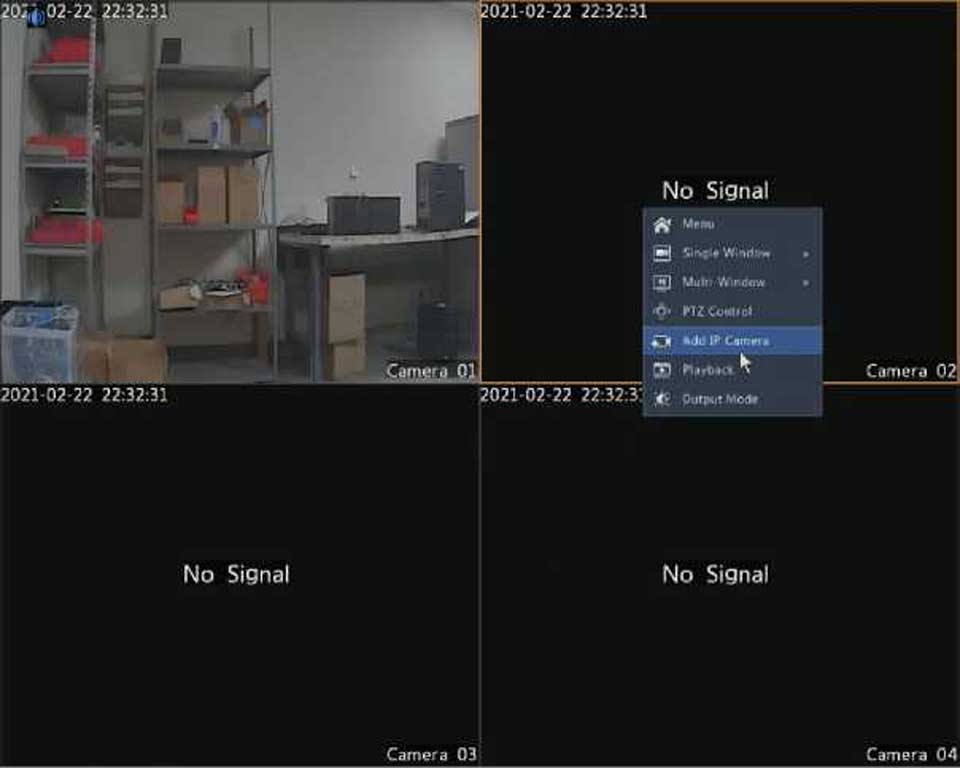
|
Icon |
Description |
|
HJ |
Rest your mouse pointer on the icon to view bitrate info; click this button to view the camera ID and IP address or to change the username and password used to connect the camera. |
|
H |
Click to turn on audio. Clicking 0 turns off audio. The sound volume is adjustable. Note: When you turn on audio in the current window, audio of the previous window is turned off. |
|
H |
Exit |
|
Icon |
Description |
|
|
Click to access the main menu. |
|
– /s/ üü] / ü |
Select the screen layout. |
|
B/® |
Previous or next screen. |
|
^/ El |
Start or stop sequence. |
|
n |
Playback. |
|
m |
Click to open the USB Device window and perform USB related operations. The window offers quick access to multiple windows, and it pops up automatically if a USB storage device is plugged in when the DVR is restarting or when the preview window is displayed. This button is effective only when a USB storage device is plugged in. |
|
IS |
Rest the mouse pointer on this icon to view encoding information including frame rate, bit rate, and resolution; or click to view camera status. |
|
B |
Click to view device alarm status and camera status. |
|
Q |
Rest the mouse pointer on it to view NIC card information. Or click this icon to edit basic network settings. |