How to reset passwords on AV Costar Cameras, Arecont Vision Costar, LLC is a US-based company founded in 2018 to offer complete video surveillance solutions to customers around the world. AV Costar’s headquarters, R&D, and support operations are in Glendale, California in the Greater Los Angeles metro area. Our manufacturing is nearby in Duarte, California, while our Advanced Technology Center is located in the city of Clovis, in California’s Central Valley region. Sales offices are located throughout the Americas, Europe, and the Middle East.
Issue:
A password has been set on a camera and neither the customer nor integrator knows it.
For best results see the below:
Resolution:
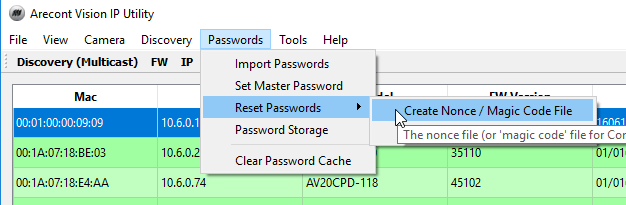
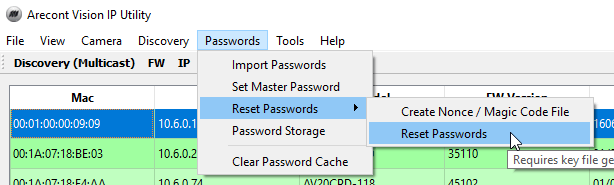
3.Click Passwords > Reset Passwords > Create Nonce / Magic Code File.
How to reset passwords on AV Costar Cameras
AV IP Utility / Costar Utility cannot discover a camera
Issue:
Cameras are not being discovered by AV IP Utility or Costar Utility.
Prerequisite:
Verify physical connections and power requirements for the specific camera.
Resolution:
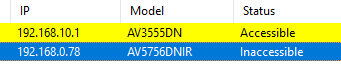
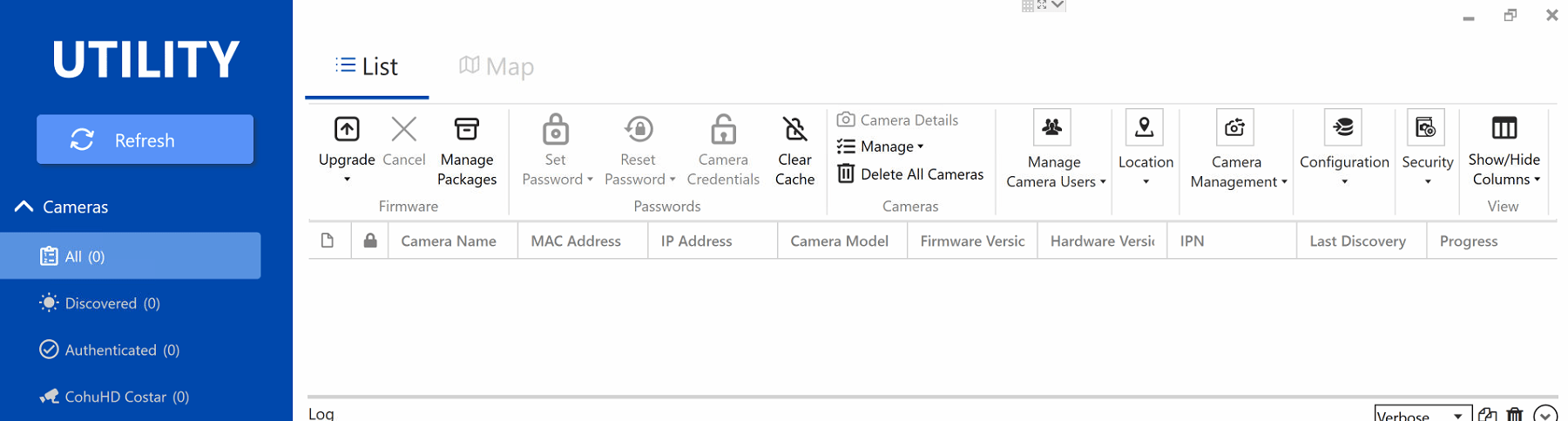
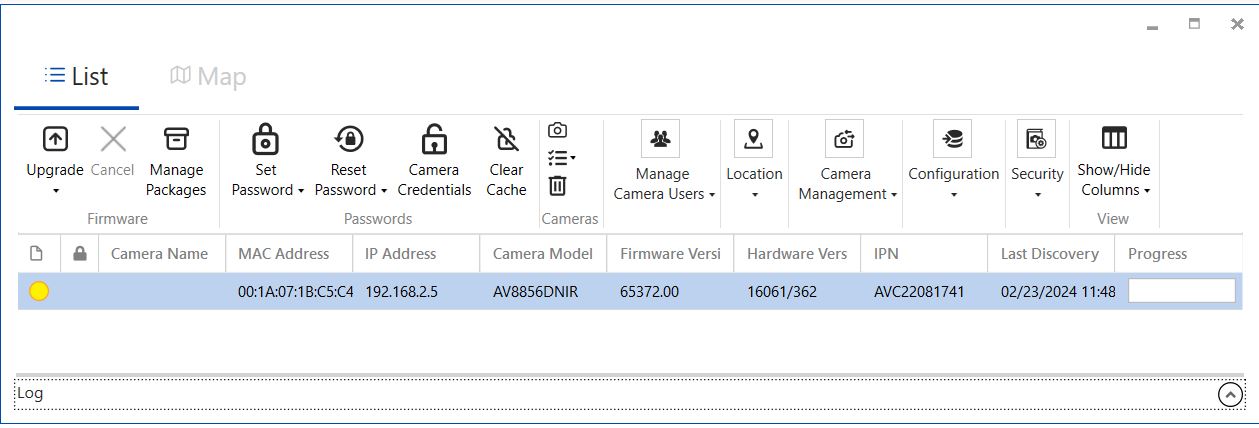
4.If neither tool is able to discover the camera they will look like the below.

7.Launch Wireshark then double click on the Ethernet interface.

8.Power cycle the camera and let it boot up. After a minute or two, stop the capture.
9.In the filter field, type arp then click Enter.
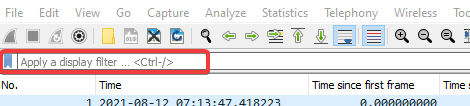

10.You should see an ARP entry similar to the one below. The camera IP in the below example is 169.254.127.7 and the last 6 digits of the MAC address on the second line are 1B-25-8A.

Password Reset Failure
Problem
The key file fails to erase password, even with admin rights and after the ARP Table confirms routing.
Note: This is only for Gen 1 Arecont Vision cameras. This will not work on Contera series cameras.
Resolution
You can deploy firmware as an alternate way to reset a camera’s password, but you must use an older version of deployment software “without authentication“.
Note: Before updating firmware, stop all streams and views from the camera.
Use a constant ping to monitor for a reply from the camera to confirm the process has completed. The camera should no longer require a password. If you can go to the camera’s IP address in a web browser without being prompted for user and password, the process was successful.
ConteraIP Micro Dome | How to reset to factory default
Environment:
Procedure:
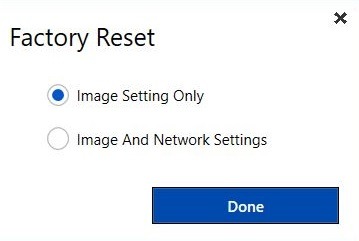
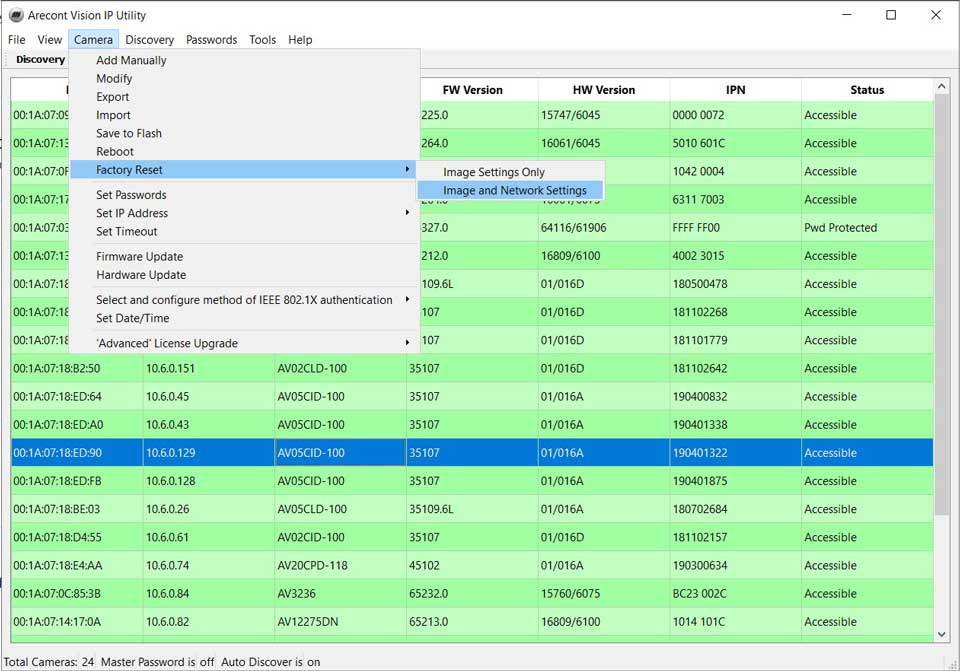
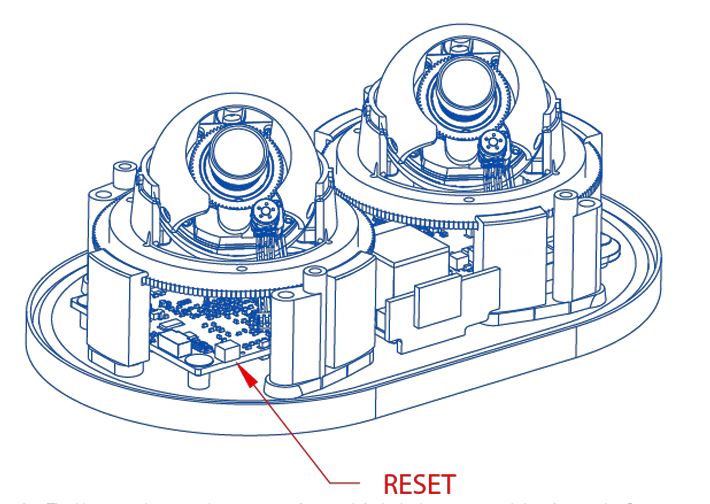
This resets the camera to the factory default except for the network settings.
This reset the camera to the factory default, and this resets the network settings to the factory default.
Costar Utility | How to Factory Default a Costar camera
Environment:
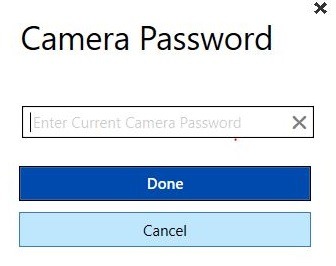
Procedure:

Note: If “Image and Network Settings” is selected, Review Set IP address