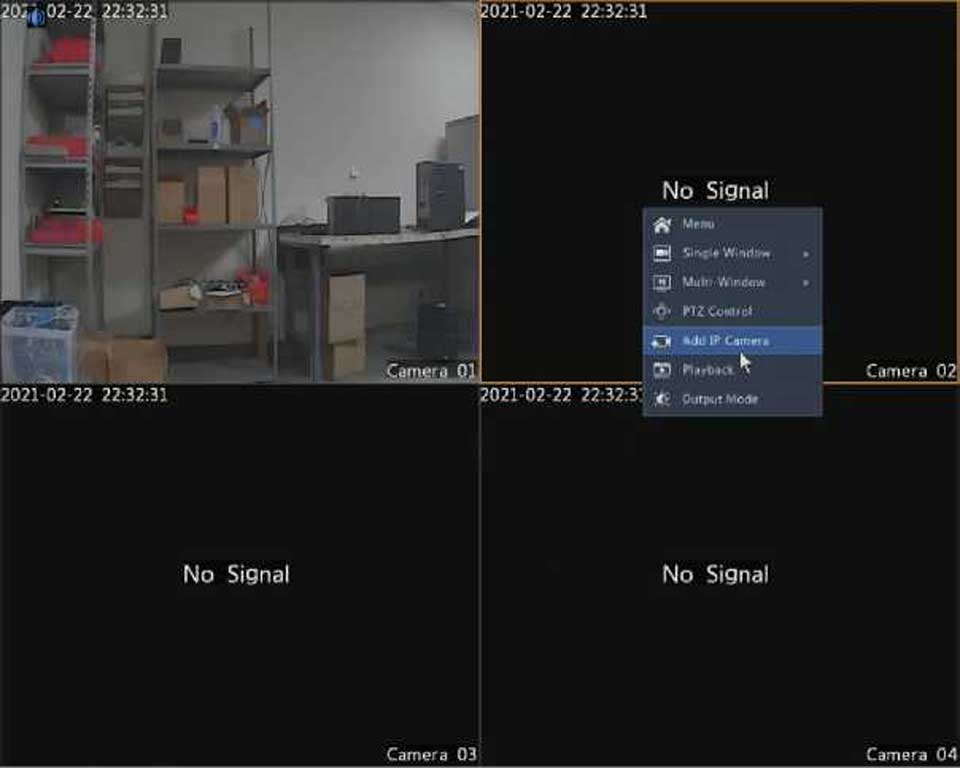
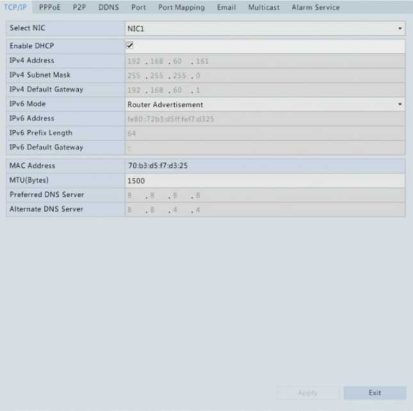
3. Click Apply to save the settings.
choose a default route (currently NIC1).

The DVR allows access through Point-to-Point over Ethernet (PPPoE).
If your DVR has multiple NICs, PPPoE dial-up will be implemented through the NIC specified as the default route.
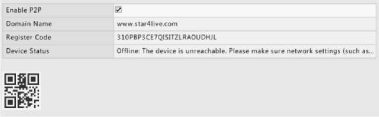
The DVR allows access from the cloud website or from the mobile surveillance app. You need to sign up for a cloud account at www.star4live.com first.
If your DVR is connected to the Internet through PPPoE, the IP address of the network changes every time it connects to the ISP server without your awareness. This is inconvenient when you remotely access your DVR with an IP address. To avoid this issue, you can register with an DDNS server to obtain a domain name for your DVR and then access your DVR by visiting the domain name instead of an IP address (http://DDNS server address/DVR’s domain name) using a web browser.
username and password. The domain name is the one that you have successfully registered at a domain name registration website (e.g., DynDNS). The username and password are those of the account you have registered at the domain name registration website (e.g., DynDNS).