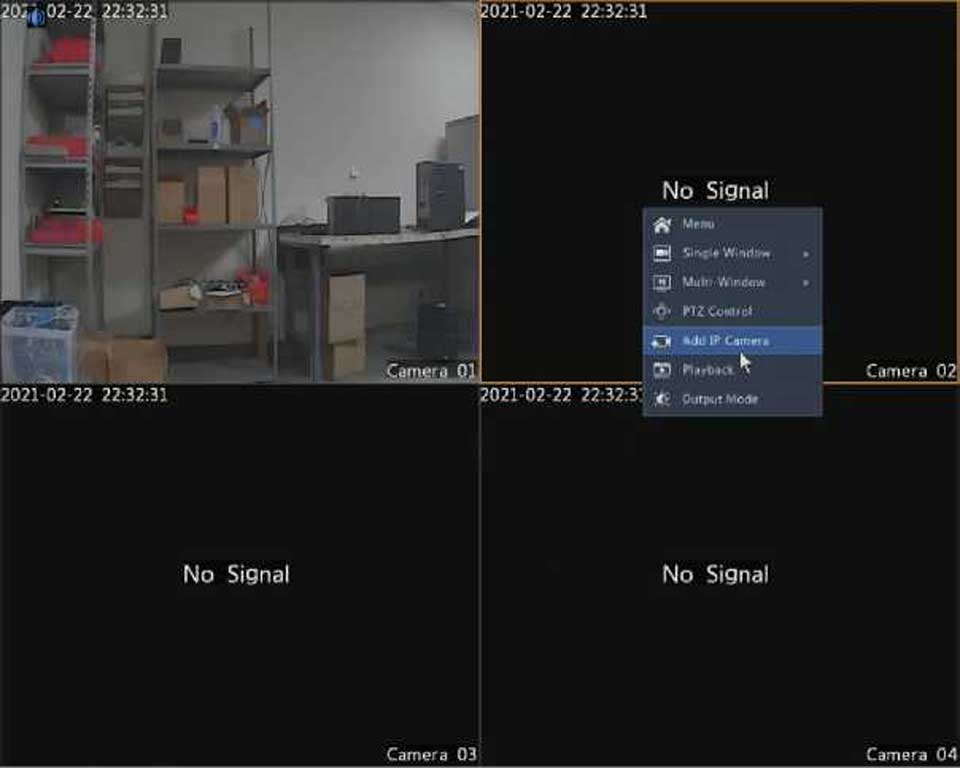
2MT-4XXX Series User Guide,Digital Video Recorders DVRs are devices which record video to a hard drive. DVRs are used with closed circuit security cameras to create a surveillance system that can detect an record crimes.
Key Moments & Highlights
1
2MT-4XXX Series User Guide
Key analytical insights and practical findings are highlighted here.
2
read next : InVid Tech Devices Password Reset.
Key analytical insights and practical findings are highlighted here.
Image Configuration
1.Click Camera > Image.
2. Select the desired camera and scene.
Advertisement
.
3.Adjust settings on the tabs as needed to achieve optimal images. See the following sections for detailed information.
NOTE!
•A scene can be selected only when supported by the IP camera.
•To restore default image settings, click Default in the lower right corner. This function is available only when the camera is connected to the DVR via the private protocol.
•Image settings apply to both live and recorded videos.
Image enhancement
1.Click the Image Enhancement tab.
2.Adjust the settings as needed. Some important parameters are
described in the table below.
Parameter
Description
Brightness
The greater the value, the brighter the images appear.
📌 Table of Contents Unlocking the Hidden Engineering Potential of Modern IP Security Cameras 1. Intelligent Video Analytics (IVS) vs. Primitive Pixel Motion Detection…
We use cookies to enhance your browsing experience, serve personalized content, and analyze our traffic. By clicking "Accept All", you consent to our use of cookies. Privacy Policy