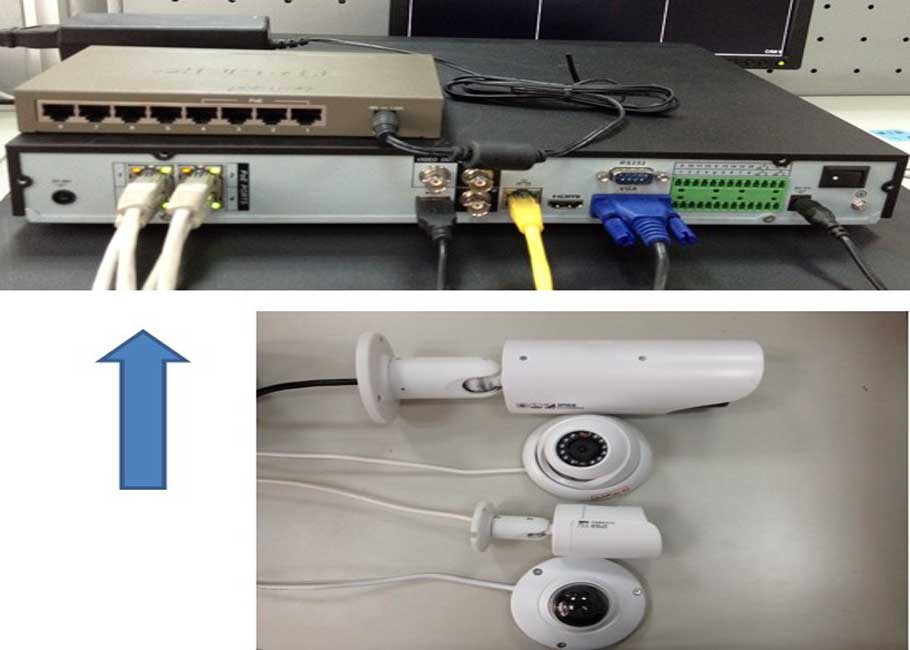
How to setup remote access for IP Camera (StandAlone)
How to Connect Cameras IP Camera to NVR’s PoE How to Setup a Dahua IP camera and PoE NVR 1. You want to connect…
Start typing to search...
How to Connect Cameras IP Camera to NVR’s PoE How to Setup a Dahua IP camera and PoE NVR 1. You want to connect…
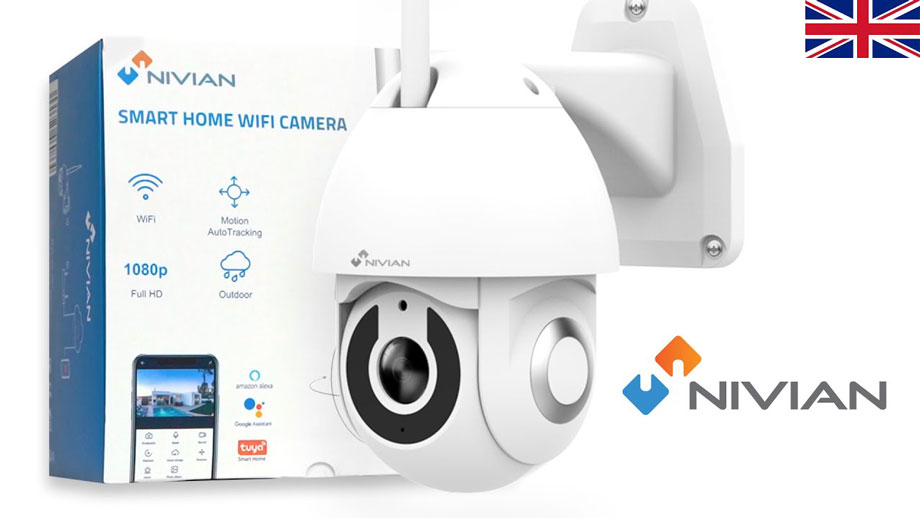
The default user is admin and the password is admin. If you do not have access, we will have to generate a temporary key, to recover…
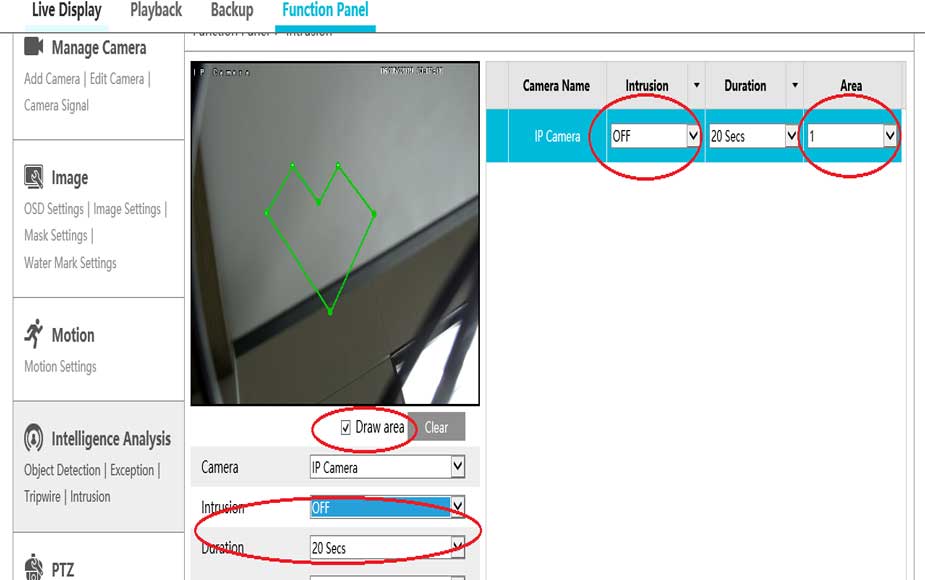
Answer To access the web client, please use a Windows based PC and use Internet Explorer as the web browser. Access the recorder’s web…
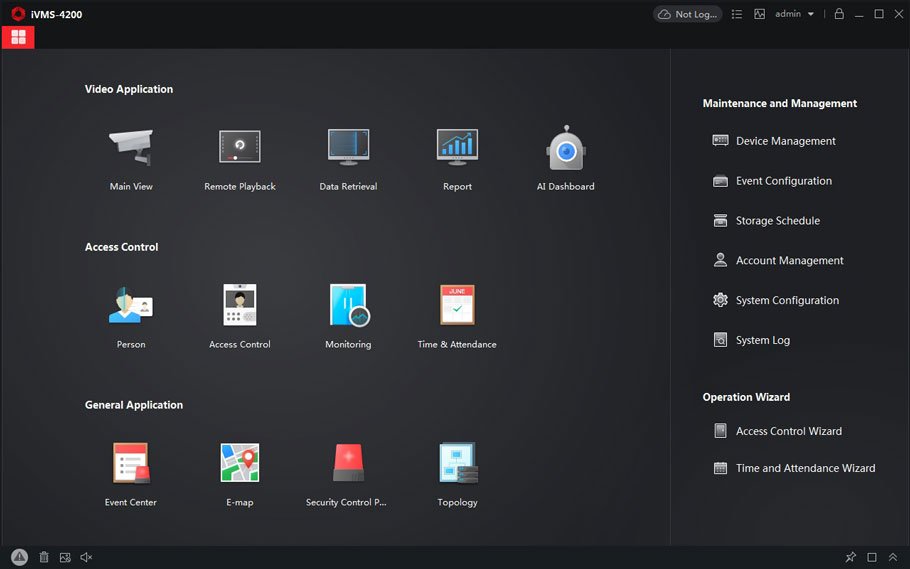
RAID Introduction RAID RAID is a technology that is used to increase the performance and/or reliability of data storage. The abbreviation stands for Redundant Array…
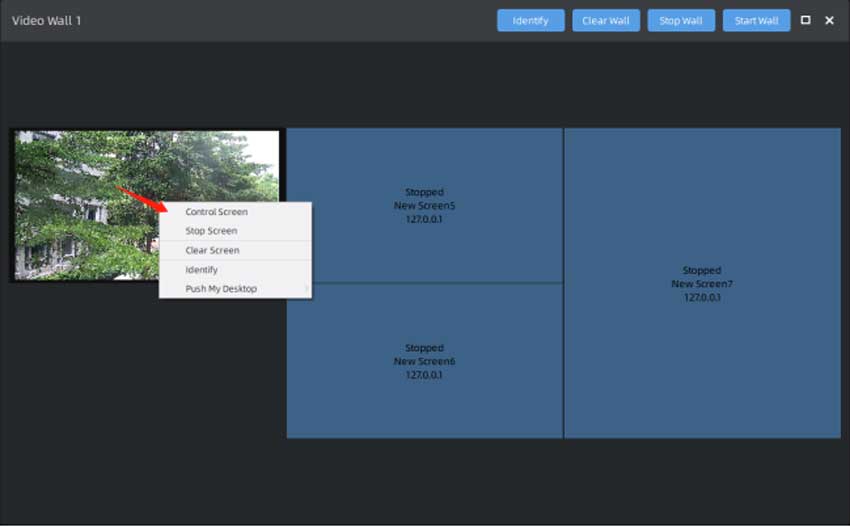
Chapter I Introduction “Milesight VMS Enterprise” supports Video Wall function, which is a necessary advanced function for professional VMS. The Video Wall function supports…
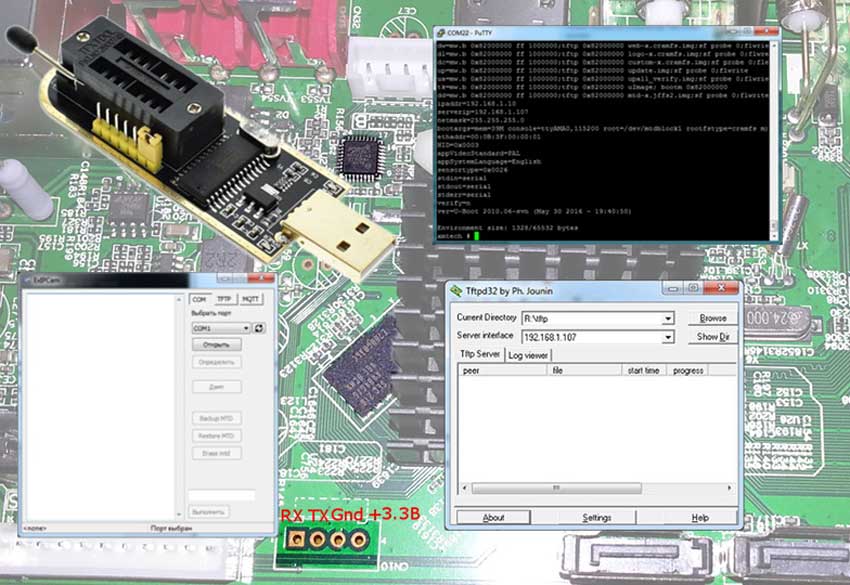
Update Procedure Updating XM devices was covered in a separate article, but here I will share additional information that may be useful when recovering…
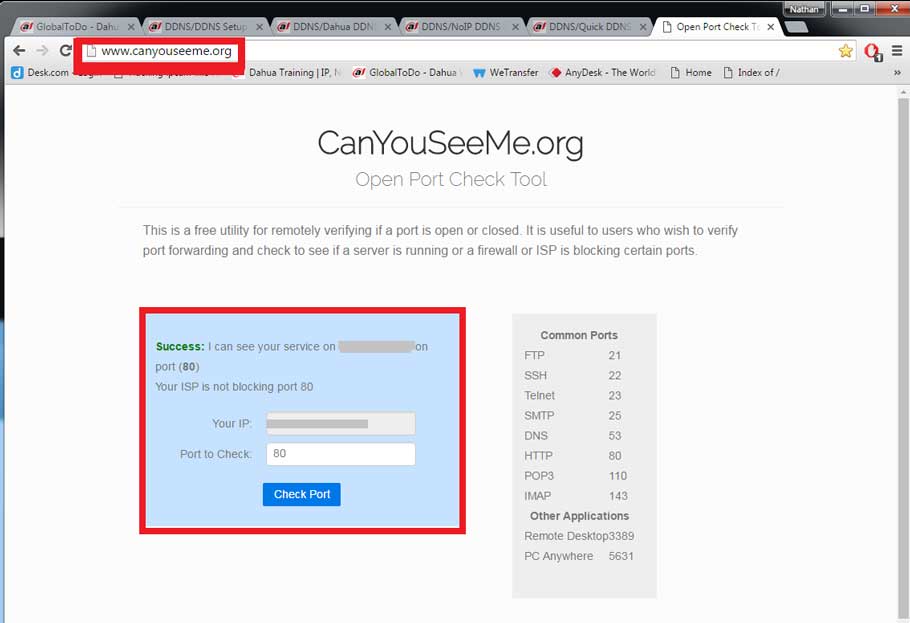
DDNS Setup Description DDNS stands for Dynamic Domain Name System. The main advantage for DDNS is If you have a dynamic ip address, (where…
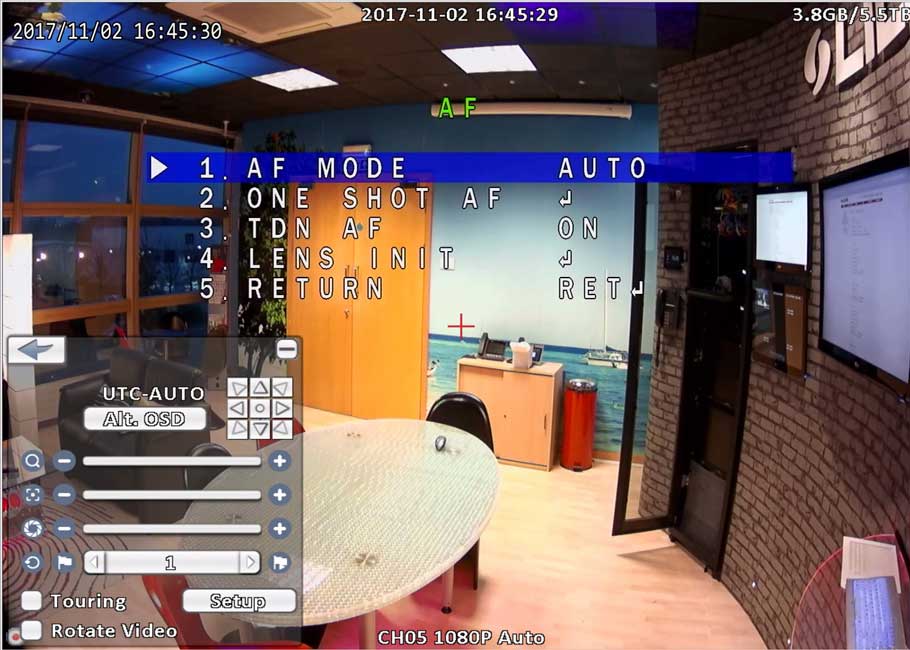
First, confirm that the camera you are trying to auto focus and zoom support both these features. This feature is only available on select…
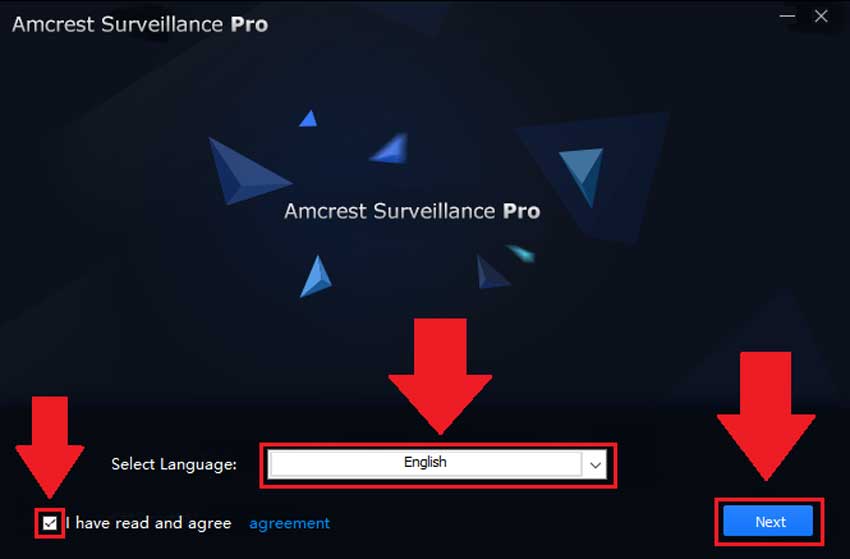
How To Install Amcrest Surveillance Pro on Windows Amcrest Surveillance Pro is the most stable and recommended method of accessing your devices from your computer….
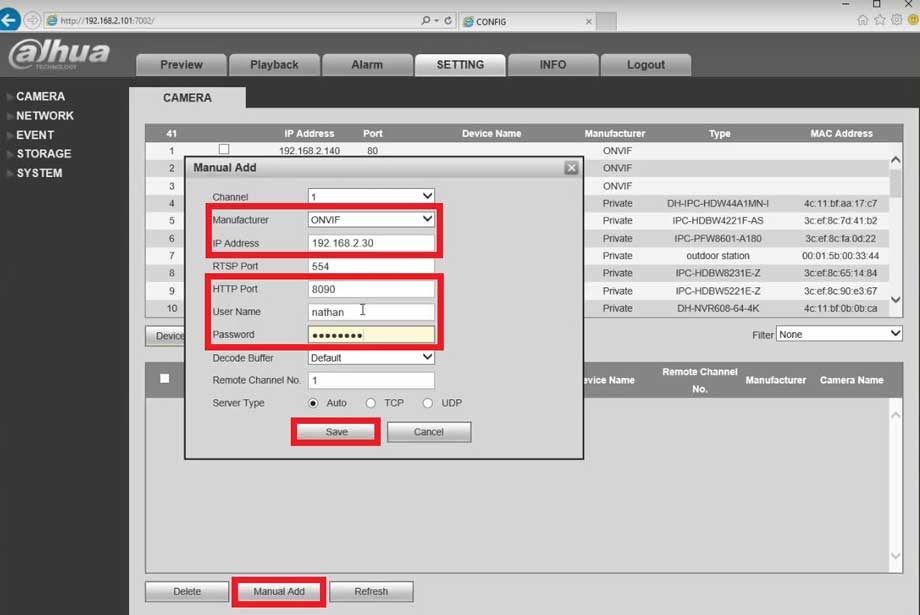
Description DeskCamera is an affordable and easy solution for streaming multiple desktops screens and web cameras from a single computer to your Onvif compliant…

Introduction Reolink seems to only make 4+ MP outdoor or dome cameras. These cameras all have very high-end SPECs but are being sold for…

UI 4.0 – Reset Login Password with Security Code How to reset login password with Security Code 1. on login screen, click forget…
