
Local upgrade operation method
1. Put the download program into the U disk, and insert the U disk into the recorder
It is best to put only one program to avoid conflicts
2. Find the system upgrade function on the recorder
Click order: main menu –> management tools –> system upgrade
 —>
 —>

3. Select the file point to upgrade

Where to upgrade the default, no need to modify, wait for the prompt to upgrade successfully
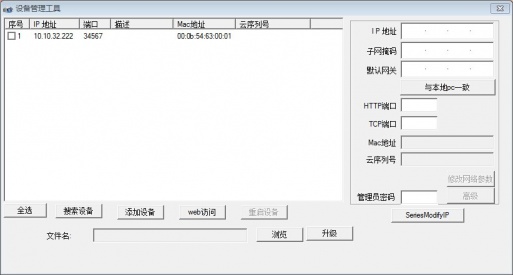
Upgrade tool upgrade
Instructions
- Double click to open the tool
 , click to search IP address


2. Select the device, click Browse to select the program, and click Upgrade

3. Wait for the prompt that the upgrade is successful, do not power off during the upgrade process
Note: If the upgrade fails, possible reasons for the device and computer IP network segments or program does not match with the device model
Cms upgrade
CMS upgrade must be a device added by IP address
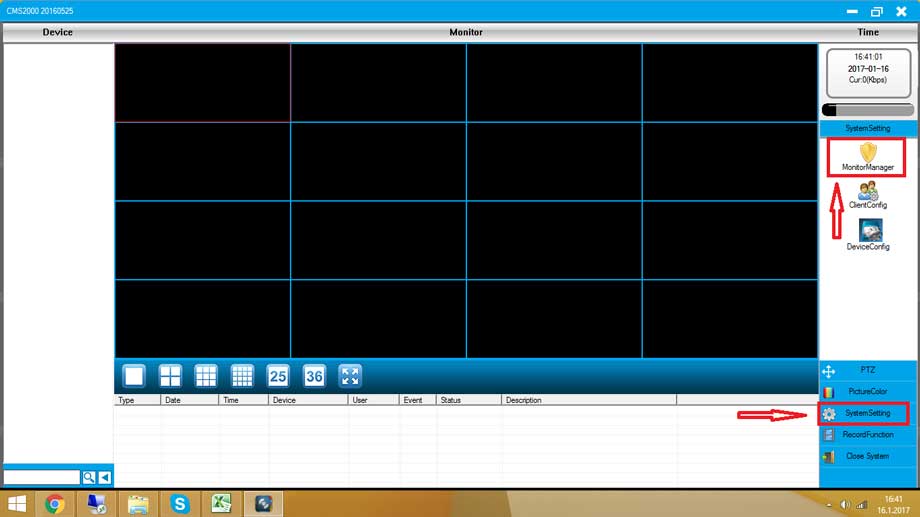
- Right-click on the preview screen and select device configuration

2. Select the management tool icon in the device configuration and select system upgrade

3. Click Browse to select the program, click Upgrade, wait for the prompt to upgrade successfully, do not power off during this period

Note: If the upgrade fails, please confirm whether the computer and the monitoring device are on the same network segment or whether the program model corresponds to the device



Please can these cellular cameras be useful for country like Nigeria where we don’t use network carrier like Verizon?