
How to Use CMS Multi-Monitor
1.1 CMS Multi-Monitor Introduction The Milesight CMS provides a powerful monitor surveillance tool that enhances security by providing administrators flexibility to monitor the live…
Start typing to search...
1.1 CMS Multi-Monitor Introduction The Milesight CMS provides a powerful monitor surveillance tool that enhances security by providing administrators flexibility to monitor the live…

To help you to get the points you want, please read the lead-in first. Lead-in This document is organized by the order below: 1….

The following will introduce how to reset NVR via hardware. 1. Position of Reset Button Series-1000: 100x/1009-UT: There is a hole on the back,…
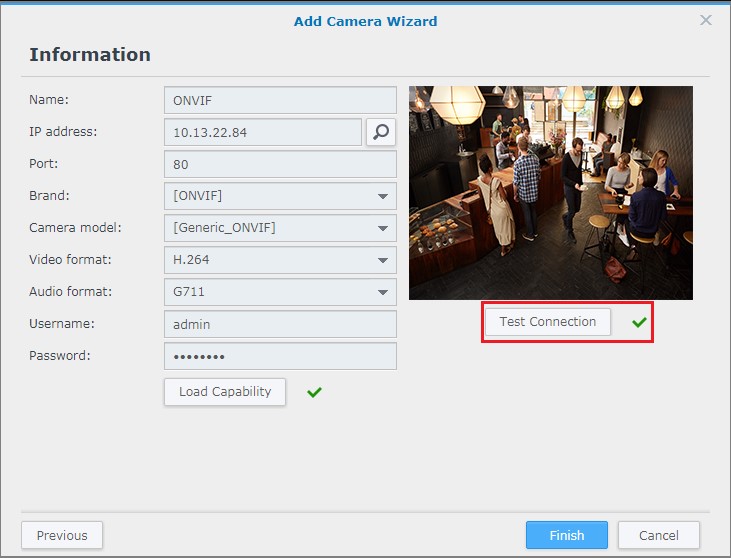
Overview Surveillance Station provides strong device compatibility. Besides over 7,600 IP cameras supported, Synology has also secured a membership with ONVIF1 and supports all ONVIF…
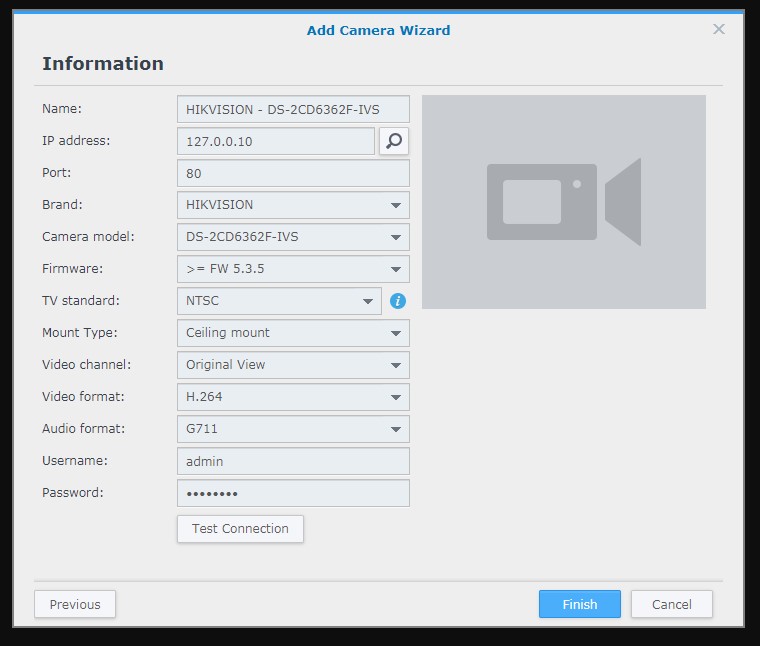
Add an IP camera to Surveillance Station Overview Surveillance Station is a security monitoring application that allows you to manage IP cameras to safeguard…
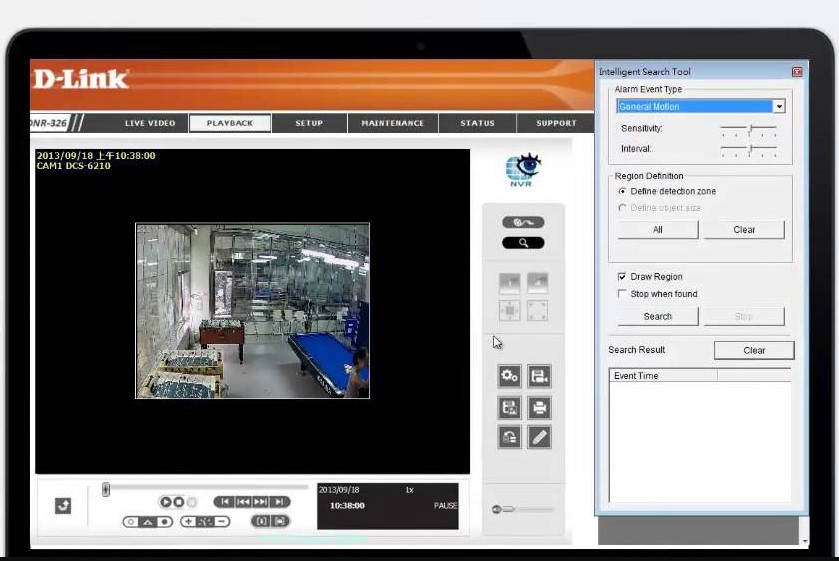
A: NOTES: * Applies to devices using firmware version 2.0 and above. If you are not using the latest firmware version please upgrade the firmware….

The pigtails of analog speed dome (take speed dome for short in next contents) is shown in Figure 1-1, it includes three kinds of…

Type 1 DVR system For the DVR system. Please make sure the DVR is adjusted to Have IP channels. 1. Go to the Main Menu–>System–>Digital–>Channel…
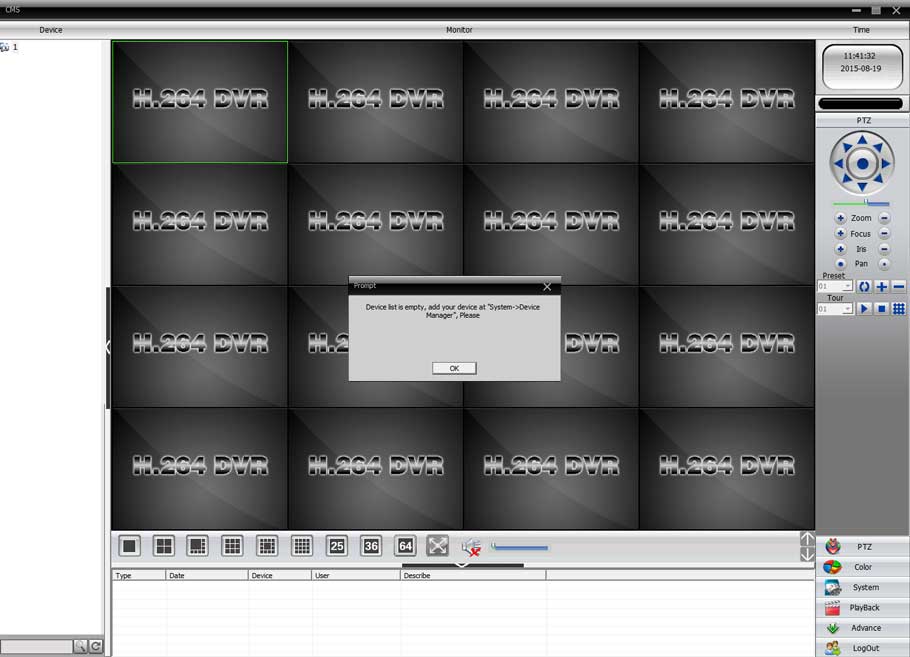
CMS can help you to manage your DVR/NVR both locally and remotely. But before adding your DVR/NVR to CMS, please go to the Main…

How to Upgrade Firmware via Smart Manager Discovery Tool New features and support are added to the Viper range regularly and you are recommended…

How to Reset Reolink NVR Recorder’s Password (New UI) If you forgot your NVR password, you may refer to the following two methods to…
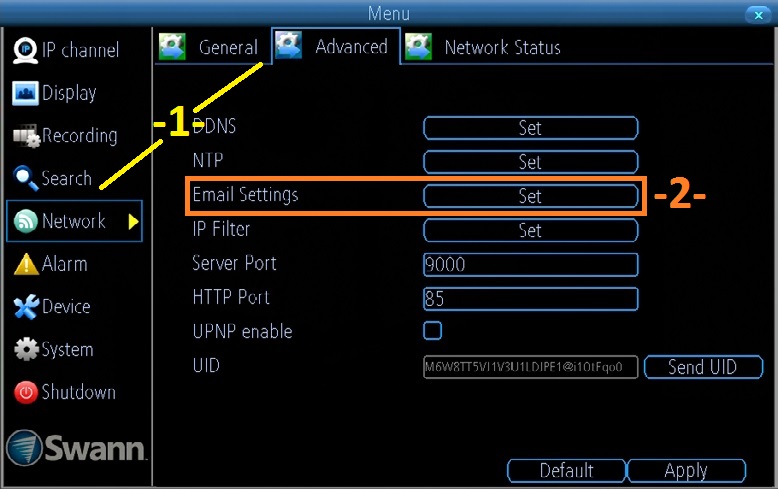
Email alerts: How to set up from the NVR per Se ( NVRx 7072, 7082, 7085, 7285, 7300, 7400) Setup email information Using the…