Skip to content
  • Home
  • About
  • Best Deals
  • Tools
  • Contact
DVRAID.Com

DVRAID.Com

  • Home
  • About
  • Best Deals
  • Tools
  • Contact

IPC

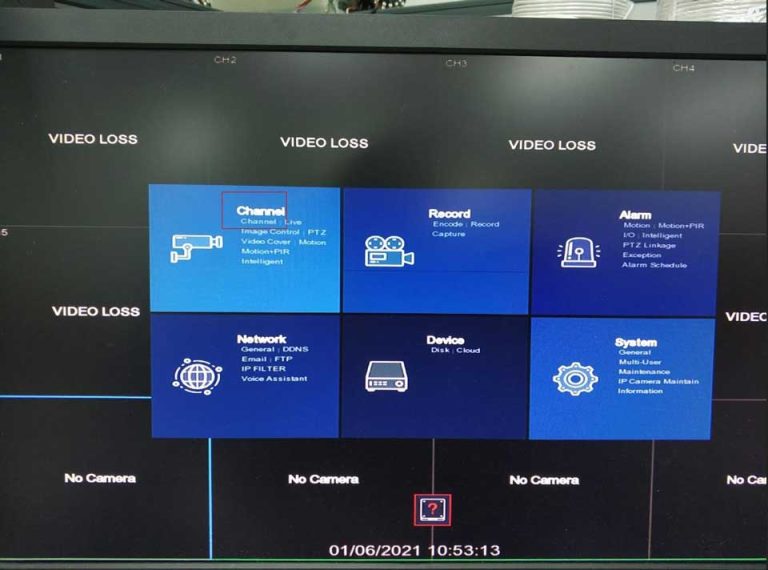
RXCamView Advanced User Guide
4 October 2023 by M.Salih ASLAN
RXCamView Advanced User Guide

The RXCamView For PC is a great IP Camera application that is available for users for free on the Google …
Read more

Categories DVR General

How to find and connect to VIVOTEK cameras

11 March 2023 by M.Salih ASLAN
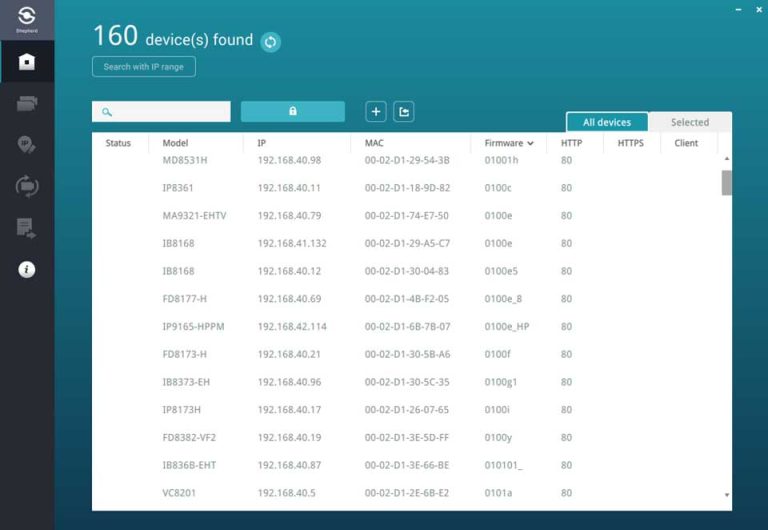
How to find and connect to VIVOTEK cameras

How to find and connect to VIVOTEK cameras VIVOTEK have specific tools that allows you to not only find the …
Read more

Categories Guide, How To

Dahua Camera Troubleshoot Guide

27 November 2022 by M.Salih ASLAN
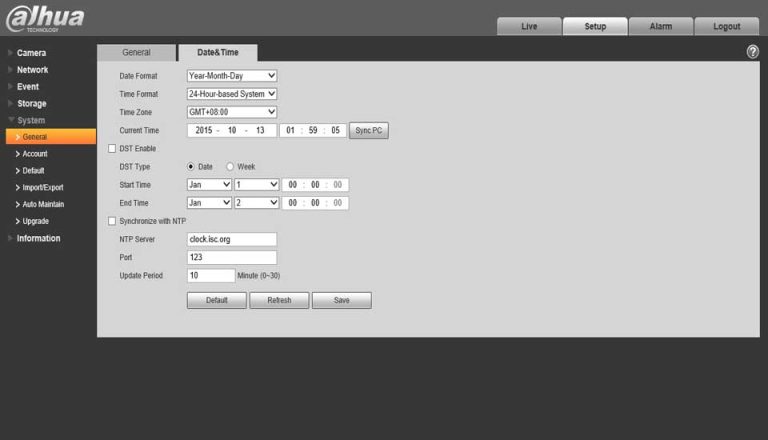
Dahua Camera Troubleshoot Guide

Dahua Camera Troubleshoot Guide Check if the network environment is good and the network cable hole plug of IPC end …
Read more

Categories Guide, IPC-WIFI General

Best DVR App For Android

25 November 2022 by M.Salih ASLAN
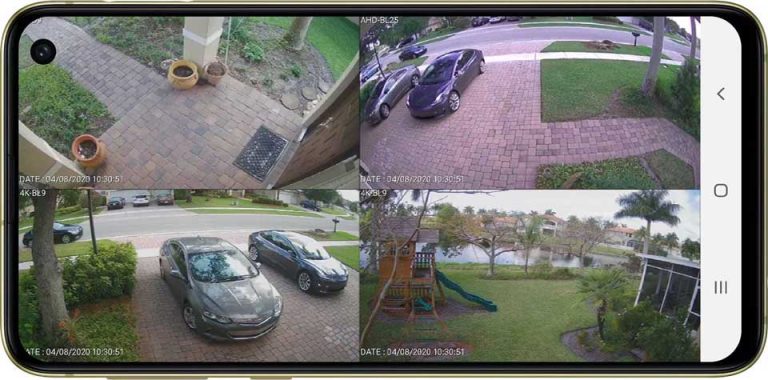
Best DVR App For Android

These listed below app can be say without shadow of a doubt that these are the best dvr app for …
Read more

Categories Best Lists, Guide, Mobile

Anran CCTV Products General FAQ

13 November 2022 by M.Salih ASLAN
Anran CCTV Products General FAQ

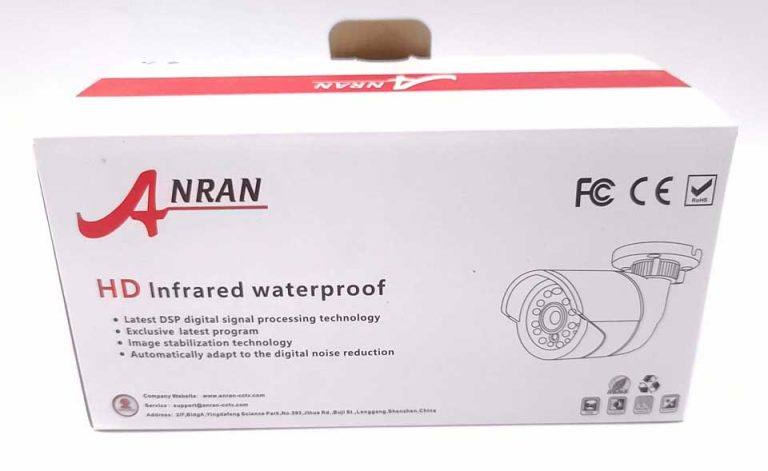
Anran CCTV Products General FAQ Q. How to Match Code the “Wireless Camera that have network port” to NVR? How …
Read more

Categories Guide, How To

How to reset passwords of Nivian cameras and recorders

18 September 2022 by M.Salih ASLAN
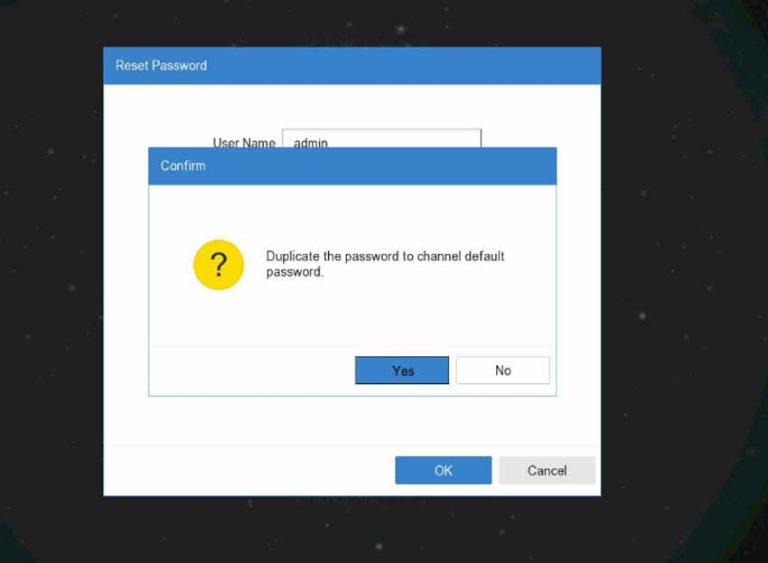
How to reset passwords of Nivian cameras and recorders

The default user is admin and the password is admin.   If you do not have access, we will have to generate a …
Read more

Categories Guide, How To

Reolink Cloud Recording, Backup, Monitoring and Playback

19 July 2022 by M.Salih ASLAN
Reolink Cloud Recording Backup Monitoring and Playback

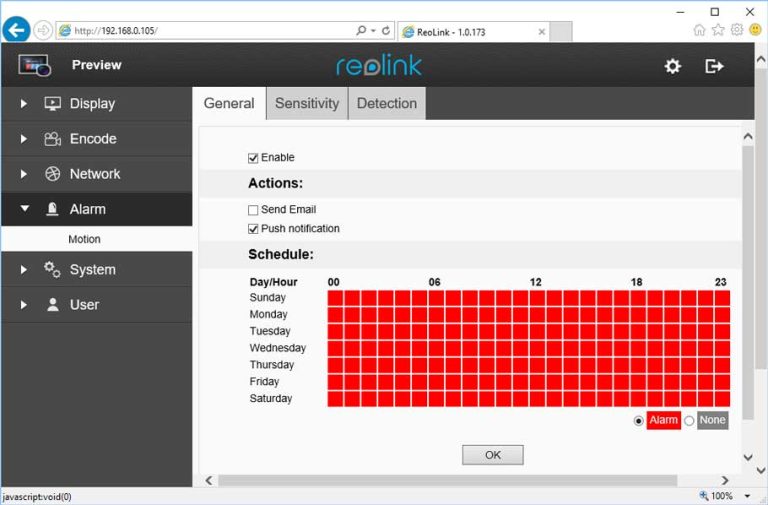
Introduction Reolink seems to only make 4+ MP outdoor or dome cameras. These cameras all have very high-end SPECs but …
Read more

Categories Guide, How To

Password Reset from the LTS Patinum NVR/DVR

17 July 2022 by M.Salih ASLAN
Password Reset from the LTS Patinum NVR DVR

UI 4.0 – Reset Login Password with Security Code How to reset login password with Security Code   1. on …
Read more

Categories DVR General, Guide, How To, NVR General

IP CAMERA FIRMWARE DOWNLOAD V5.00.R02.V4.02.R12.

2 July 2022 by M.Salih ASLAN
1484970919715918

Sharing you the complied list of firmware for your IP cameras. These firmware can be compatible with 720p/1080p/4MP/5MP resolution HD …
Read more

Categories IPC-WIFI General

How to reset device password CloudSEE

27 June 2022 by M.Salih ASLAN
How to reset device password CloudSEE

How to reset device password? Ans:  For resetting the password, we need the error code generate in the device. Send …

Read more

Categories Guide, How To

New Firmware for Milestone Device

1 June 2022 by M.Salih ASLAN

Updating firmware The user may initiate a firmware update on a supported ONVIF device via the Management Client. A right …

Read more

Categories DVR Firmware, NVR Firmware, Software
Older posts
Page1 Page2 … Page4 Next →

About US!

dvrcms is a free blog attempt to provide information about security camera systems, burglar alarm and equipment, review, troubleshooting, installation, commissioning, password reset, software upgrade and new technologies.

Read Next :

dvrcms– xvraid– nvripc– cctvfirmware– dvrdestek

Category

  • Home
  • DVR
    • DVR Firmware
    • DVR General
  • NVR
    • NVR Firmware
    • NVR General
    • IPC-WIFI General
  • General Blog
    • Home Alarm System
    • Technology News
    • Support
  • Forum

Tag cloud

Zosi security camera password reset zoom Zosi hard reset Zosi NVR Zosi security system password reset Zosi camera password reset Zosi device password reset Zosi DVR password reset Zosi device password recovery Zosi admin password reset Zosi password reset guide Zosi password reset zosi dvr Zosi password reset tutorial Zosi password change zosi view Zosi factory reset Zosi Smart APP Zosi default password Zosi NVR password reset
© 2025 DVRAID.Com • Built with GeneratePress