
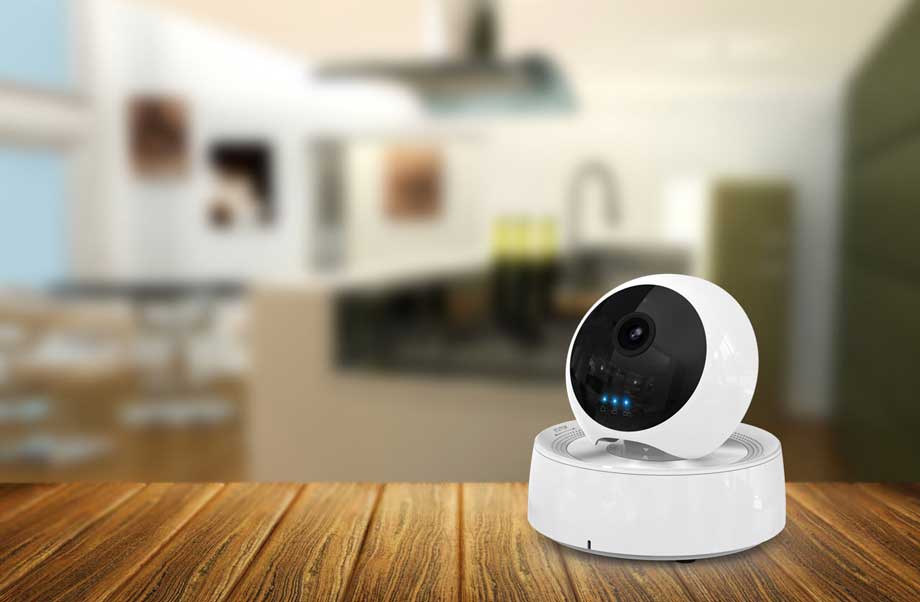
Many users often do not change the default account password after installing and using monitoring products, mainly to avoid the trouble of remembering the password. However, doing so will make your surveillance product vulnerable to cyber attacks, and anyone can access the device by knowing the device’s default password. Therefore, when using monitoring equipment, users should modify the default password in time. However, after installing the device for a long time without logging into the device for configuration, there is no doubt that the user will forget the password.
If you use Dahua DVR recorder and forget the login password, the best way is to contact Dahua’s official website after the sale. They will use the software to generate a temporary password based on the time displayed on your DVR. The temporary password will be one day Valid within. The user should change the DVR password immediately after logging in to the DVR with the temporary password.
Dahua DVR default password
Of course, if you do not know the default account of Dahua DVR recorder products, you can try to use the following default accounts:
- admin / admin admin / 123456 (local and network access master account)
- 888888/888888 (local administrator account)
- 666666/666666 (restricted users)
- default / default (hidden account)
- root / vizxv (Telnet access account)
If the default account cannot log in, you can try to reset the time of the DVR by removing the battery on the DVR motherboard. The specific steps are:
- Open the DVR cover, remove the DVR battery, and then put it back
- DVR connected to power supply and monitor
- After the button battery is removed, the date and time of the DVR will be reset to the factory time such as 2000. Then use the account admin, password 668648 or 000000000000 to log in.
Dahua DVR password counter / generator
Finally, if you do n’t want to remove the button battery on the DVR, then you can download and run the Dahua Super Password Calculator / Generator, and use this small software to generate a temporary password. When using the software, enter the date and time displayed by the DVR and click Generate to get a temporary password.
http://support.hkvstar.com/file/Dahua-Password.zip




I did all but it does not
very informative and revealing bravo!
I wonder if I can give you my e-mail address.
every post is very informative for your health ..
please help me, my problem is not solved.
I like what you guys are usually up too. This sort of clever work
and reporting! Keep up the good works guys I’ve you guys to my blogroll.
Right here is the right blog for anybody who would like to
understand this topic. You know a whole lot its almost tough
to argue with you (not that I really would want to…HaHa).
You definitely put a fresh spin on a subject that has
been discussed for a long time. Great stuff, just
great!
My developer is trying to persuade me to move to .net from PHP.
I have always disliked the idea because of the expenses.
But he’s tryiong none the less. I’ve been using
WordPress on numerous websites for about a year and am nervous about switching to another platform.
I have heard great things about blogengine.net. Is there a way I can import
all my wordpress content into it? Any kind of help would be really appreciated!