How to use Video Intercom DSS Express
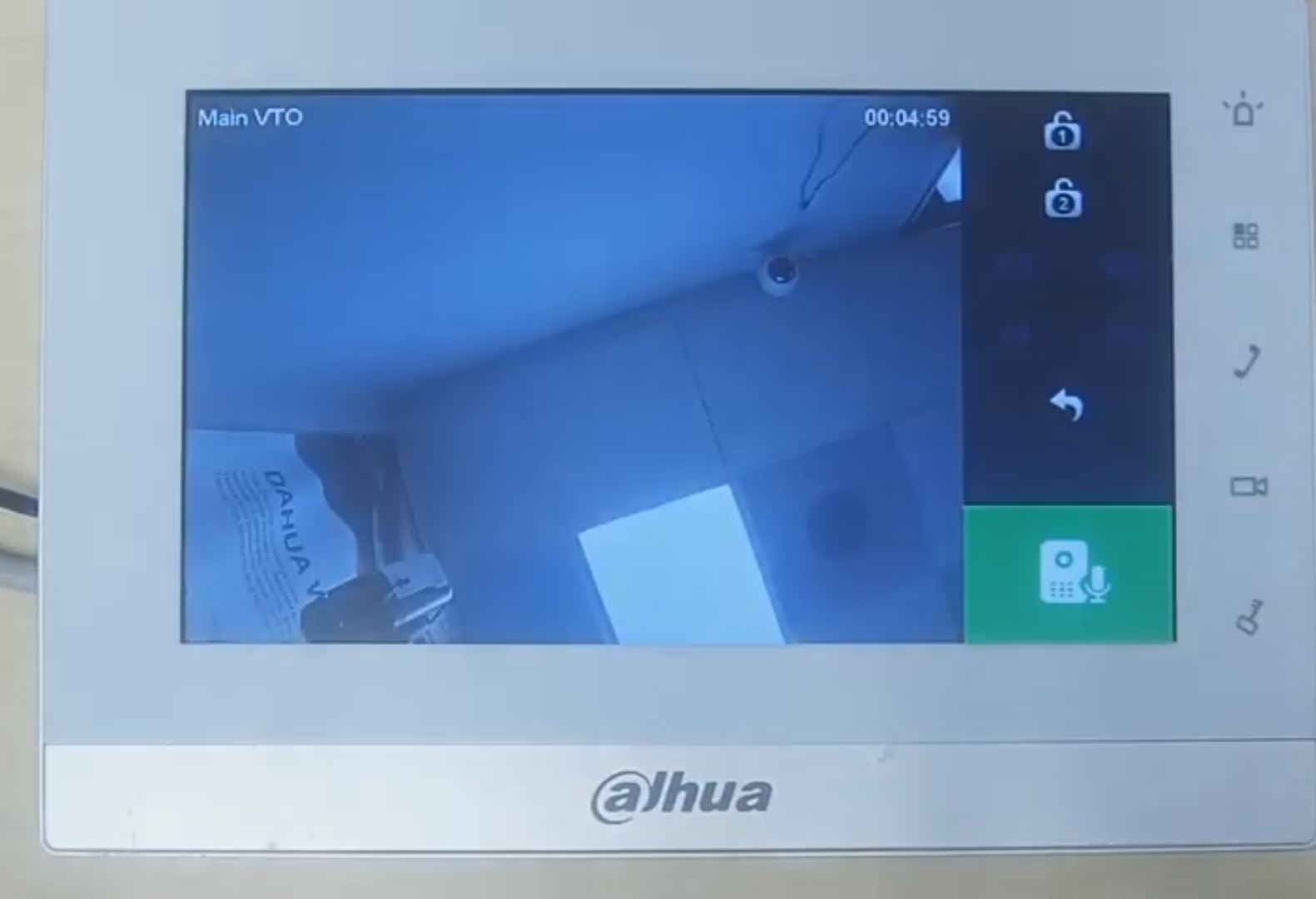
Description This page is to assist with integration of Dahua Video Intercom products with DSS Express The example device information listed above each Step…
Start typing to search...
Description This page is to assist with integration of Dahua Video Intercom products with DSS Express The example device information listed above each Step…
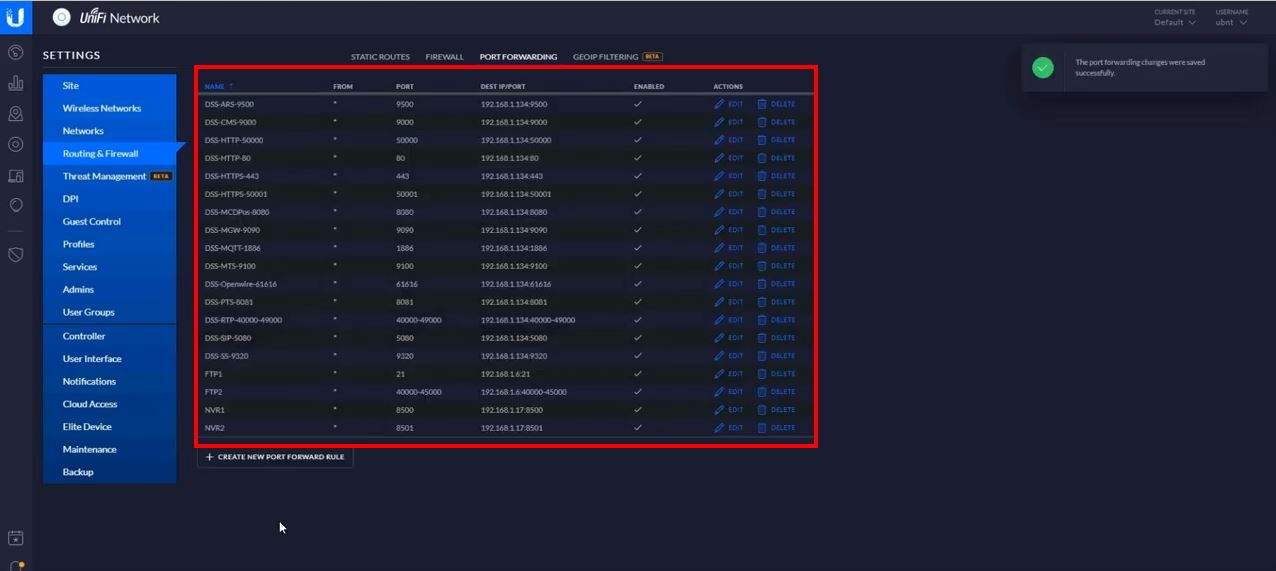
Description These instructions will show you how to setup your DSS Express server and network so you can remotely access the DSS Express server…
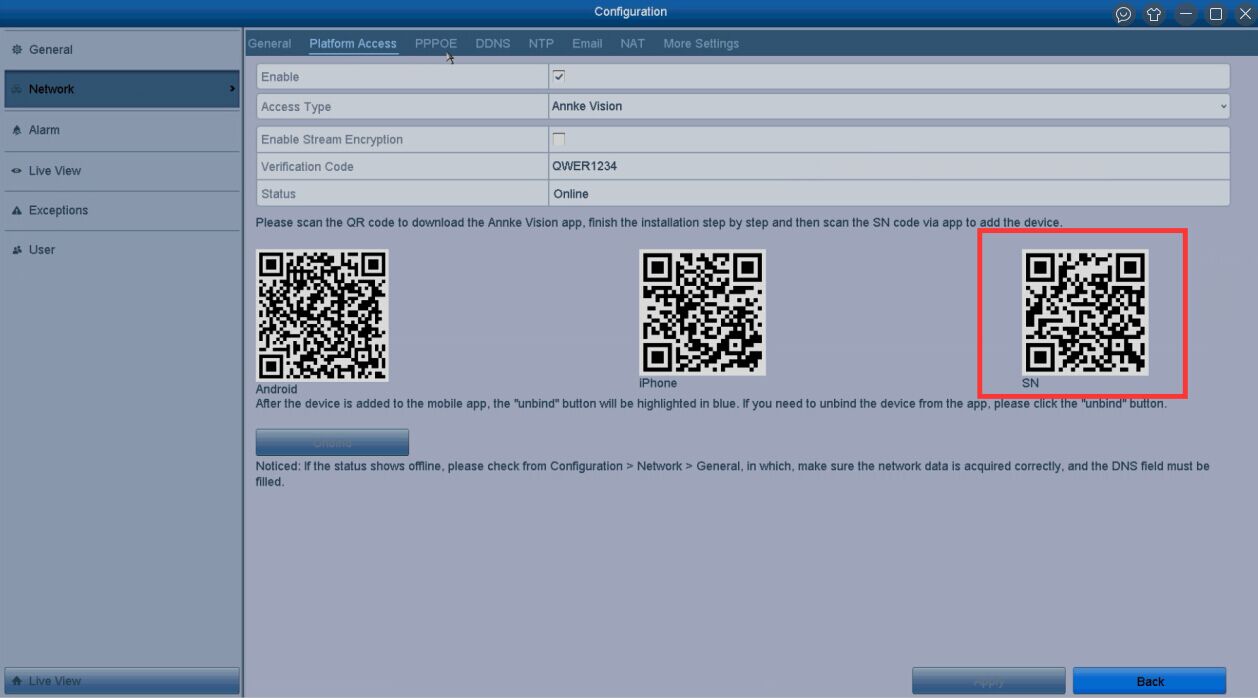
Adding the ANNKE system to the phone APP Annke Vision via QR code will allow us to watch cameras on the phone remotely ( ie. when the phone…
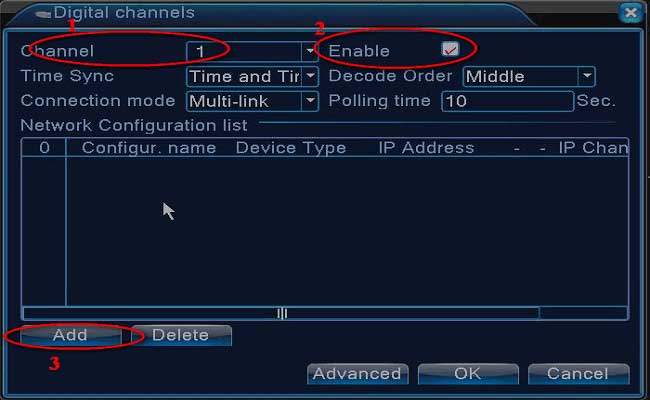
Type 1 DVR system For the DVR system. Please make sure the DVR is adjusted to Have IP channels. 1. Go to the Main Menu–>System–>Digital–>Channel…
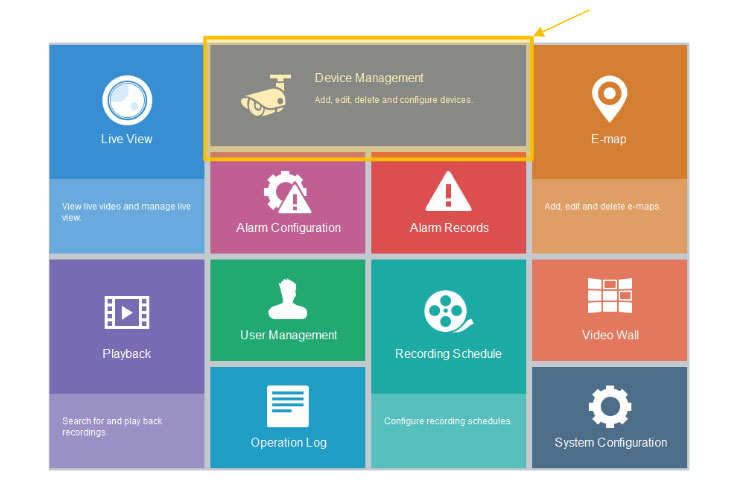
EZstation Software Quickstart Guide For Uniview The EZStation CMS Software is a quick and easy option in allowing you access to your NVR when…
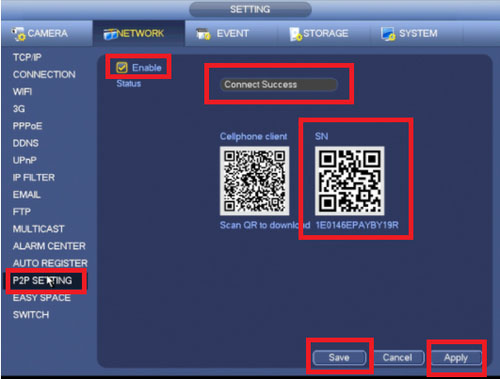
View your recorder and cameras on the go. With Dahua’s mobile application IDMSS(IOS)/GDMSS(Android) allows you to add Dahua recorders and cameras to the mobile app…

Are you stuck and need a quick fix? These short, effective videos cover set-up, troubleshooting and more. If you don’t find an answer here,…
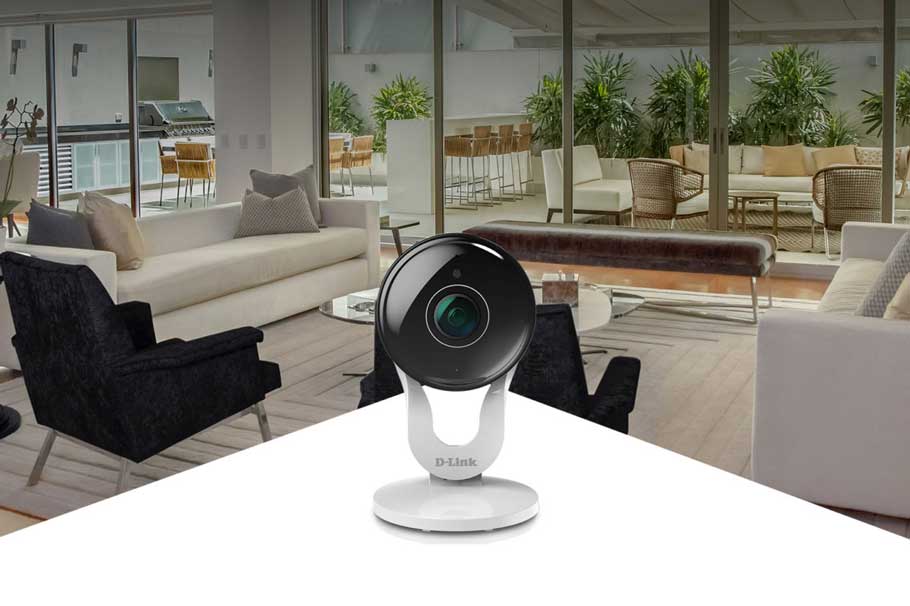
How do I install my DCS-8xxxLH-series camera? A: Note This FAQ is based on the mydlink app version 1.5.4 (build 109) from Android (v8.0.0). The…
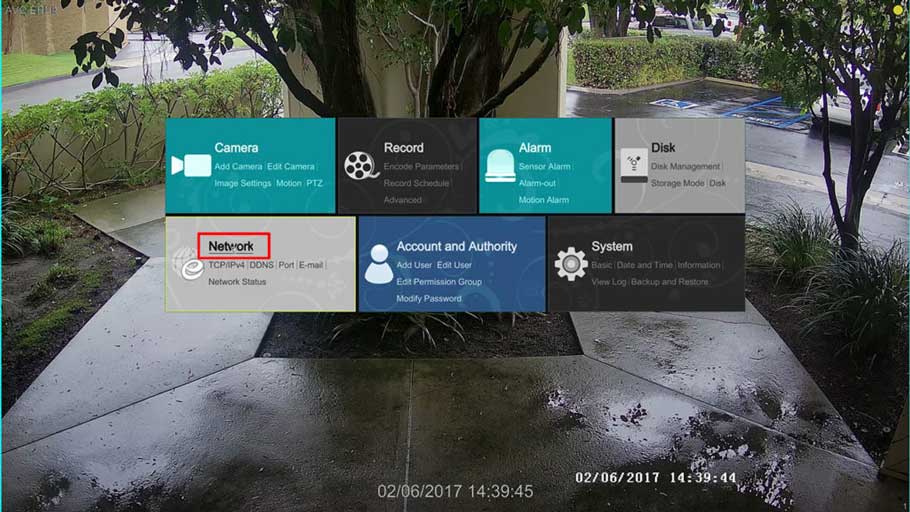
For our new T900A DVRs/ H.265 NVRs, follow the instructions below to enable the NAT/P2P mode for easy remote viewing of your AVYCON System:…
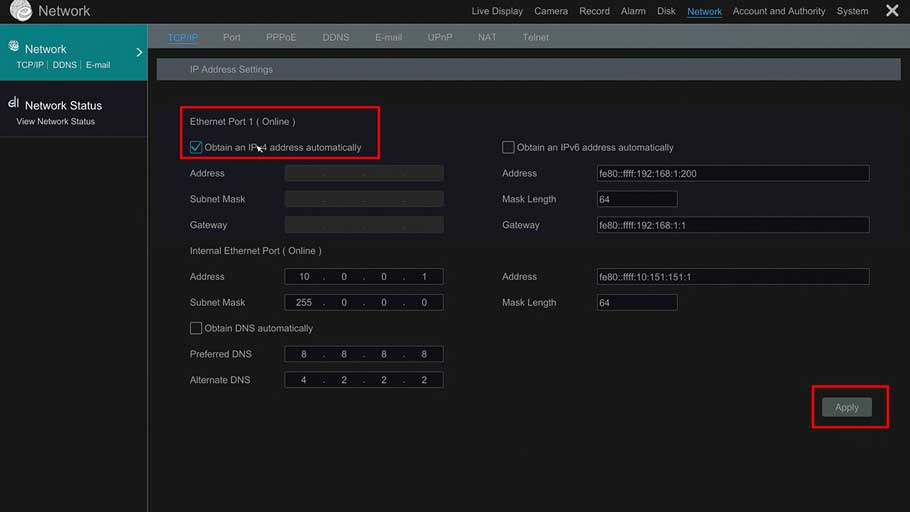
For our new T900A DVRs/ H.265 NVRs, below are some basic instructions on how to configure the DVR for your network and enable our free…
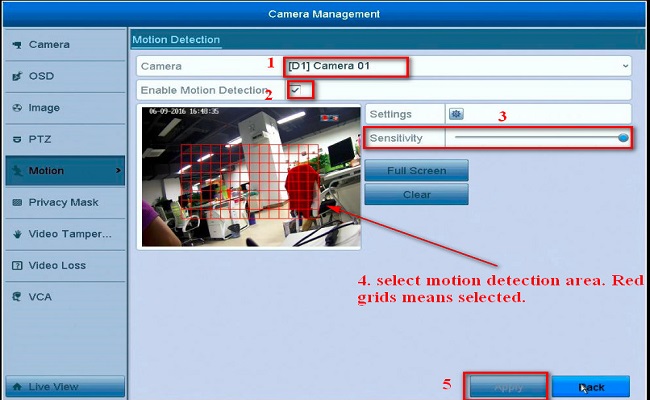
Here are the steps about how to set up the push function for the security system. 1. Log into the Annke DVR/NVR system, then…
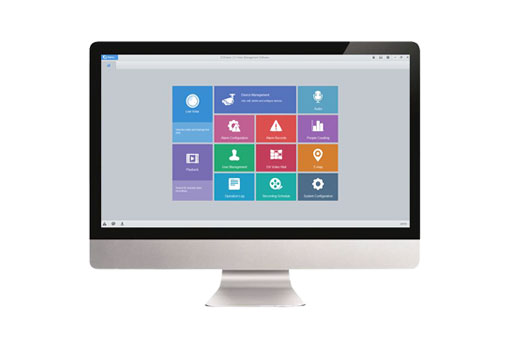
If the links are not working for you, please right-click on the ‘Download’ text and select ‘Save link as‘ or ‘Save target as‘. EZStation default user/password…