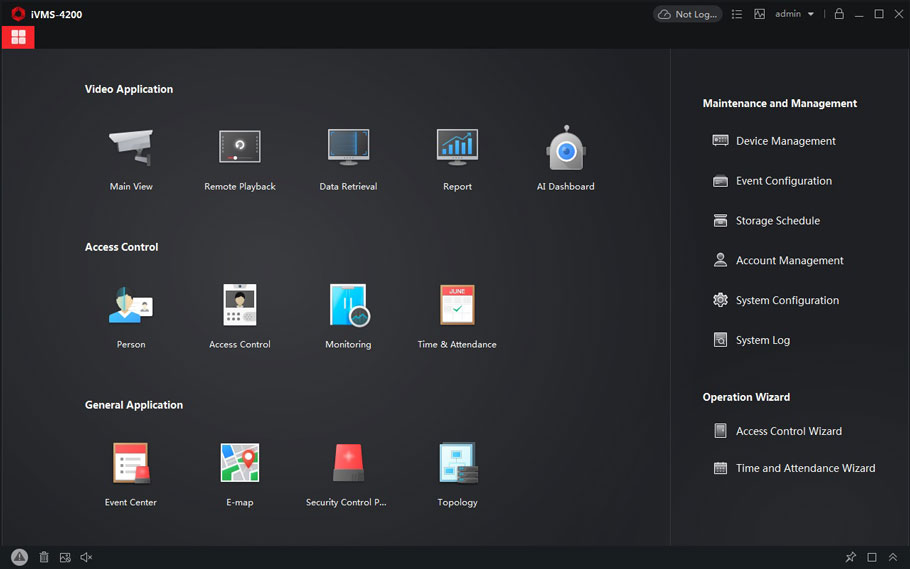
How To RAID Introduction guide
RAID Introduction RAID RAID is a technology that is used to increase the performance and/or reliability of data storage. The abbreviation stands for Redundant Array…
Start typing to search...
RAID Introduction RAID RAID is a technology that is used to increase the performance and/or reliability of data storage. The abbreviation stands for Redundant Array…
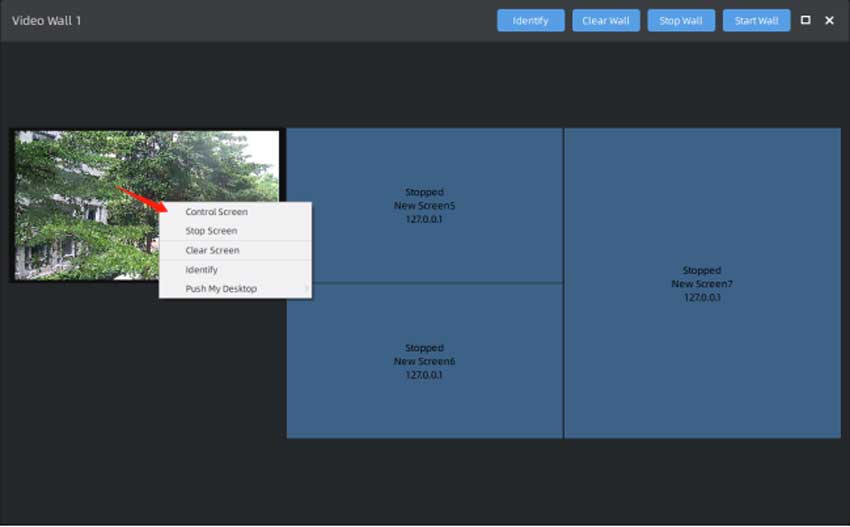
Chapter I Introduction “Milesight VMS Enterprise” supports Video Wall function, which is a necessary advanced function for professional VMS. The Video Wall function supports…
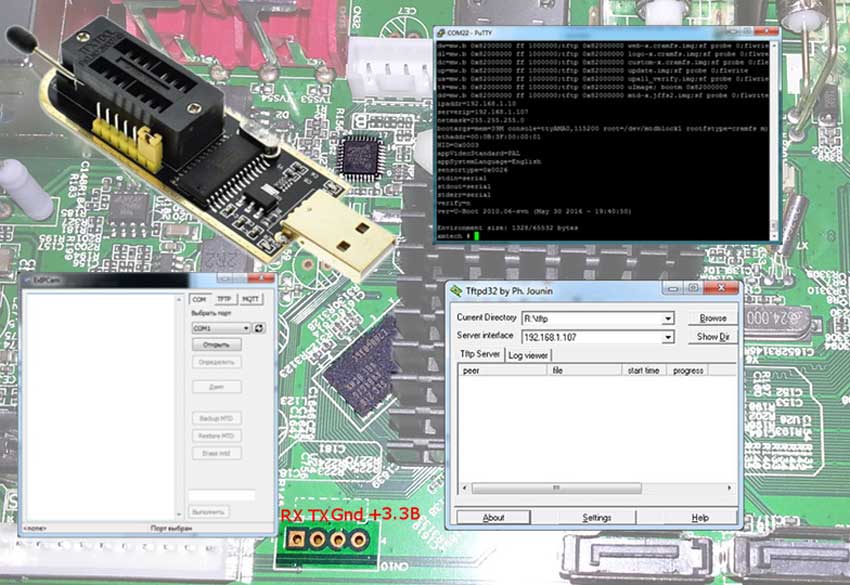
Update Procedure Updating XM devices was covered in a separate article, but here I will share additional information that may be useful when recovering…
Purpose of The Guide This guide will walk you through the process of setting up your new Hikvision DVR system from taking it out of the…
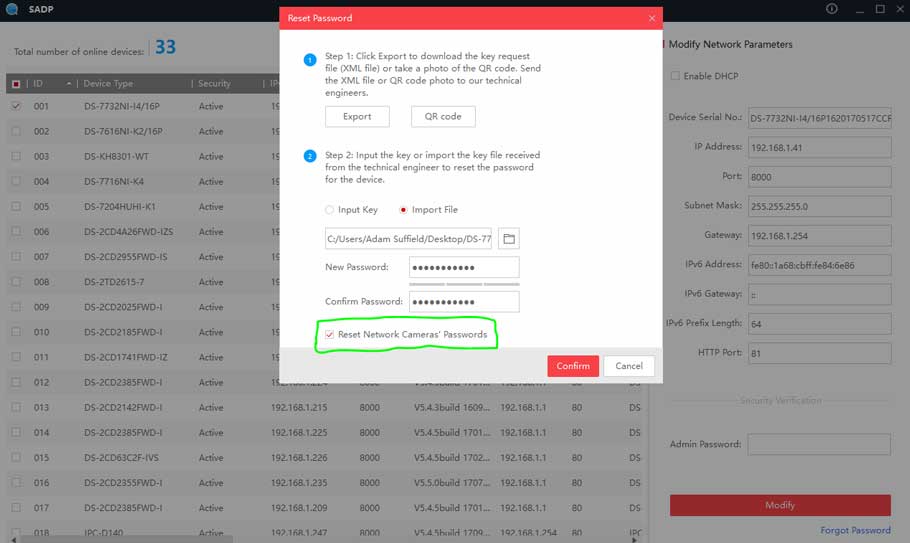
What’s in the content? How To Set Your Hikvision Password & Security Questions Purpose of the Guide This guide will show you how to…
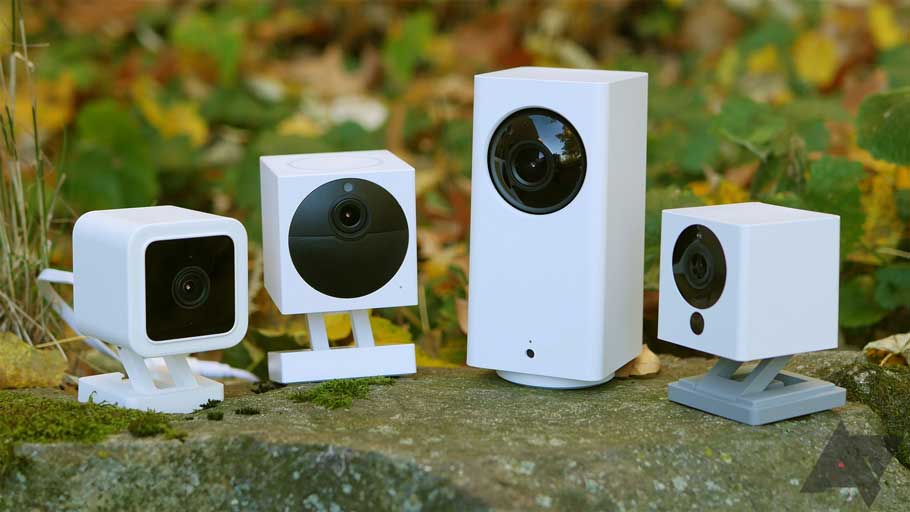
What you’ll need: Wyze’s webcam firmware Wyze Cam v2 firmware Wyze Cam Pan firmware A 32 GB microSD card (recommended) Wyze 32GB MicroSDHC Wyze…
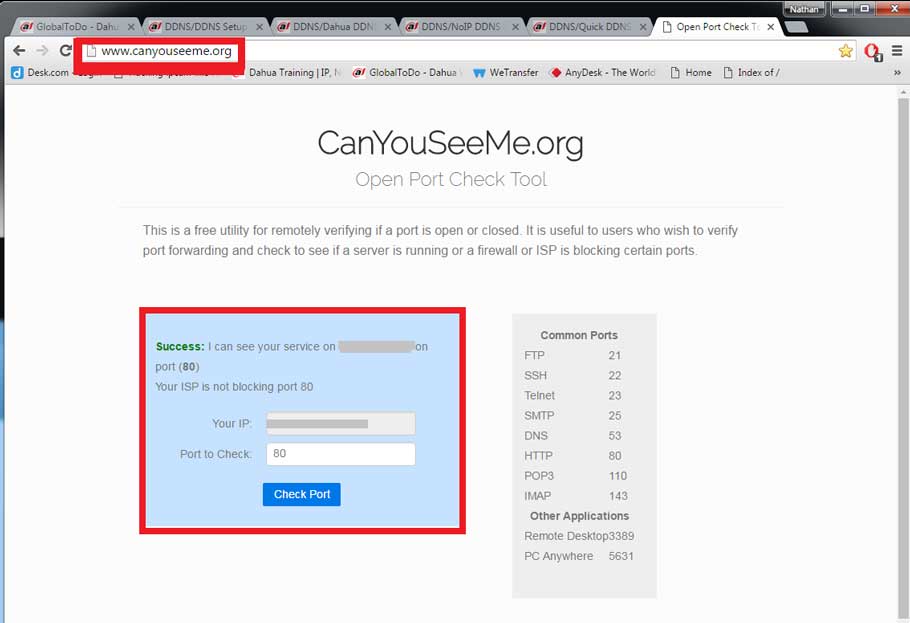
DDNS Setup Description DDNS stands for Dynamic Domain Name System. The main advantage for DDNS is If you have a dynamic ip address, (where…
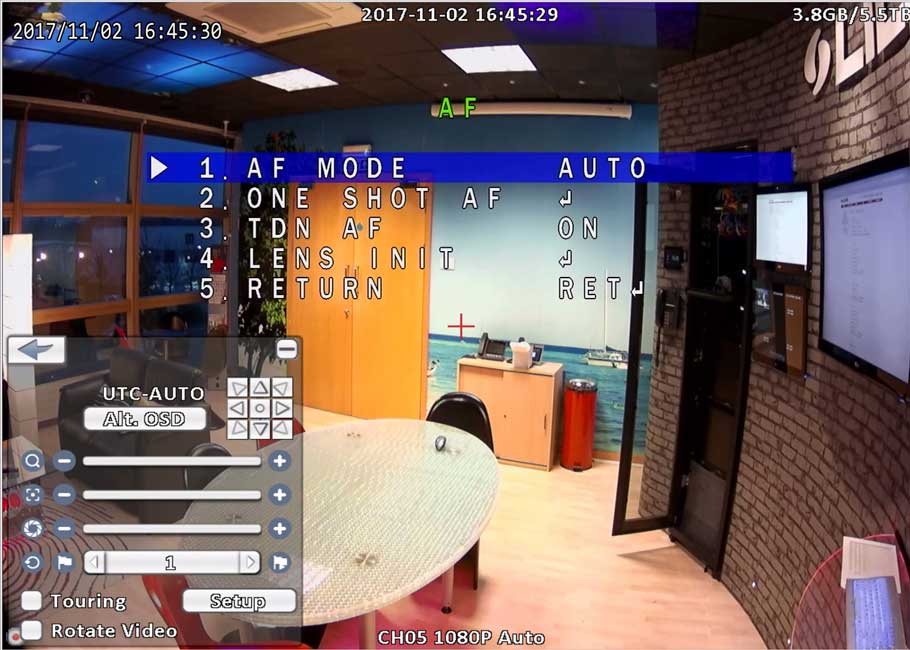
First, confirm that the camera you are trying to auto focus and zoom support both these features. This feature is only available on select…
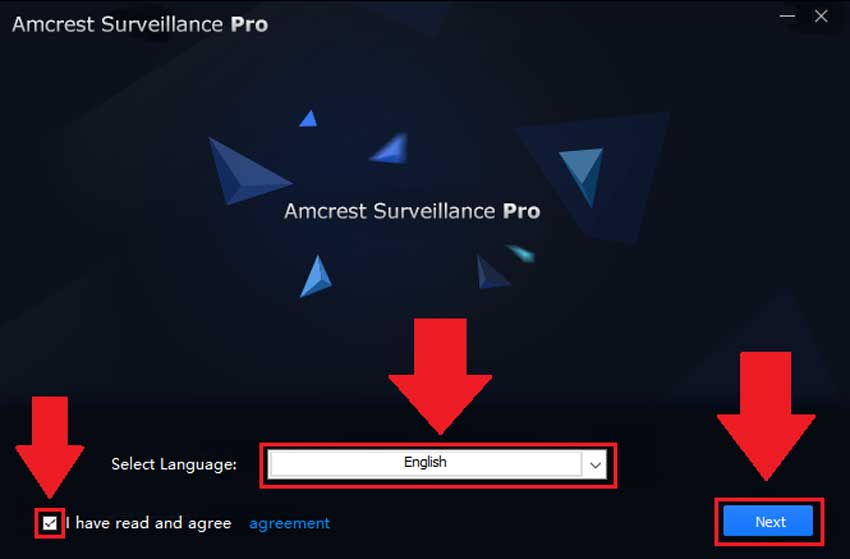
How To Install Amcrest Surveillance Pro on Windows Amcrest Surveillance Pro is the most stable and recommended method of accessing your devices from your computer….
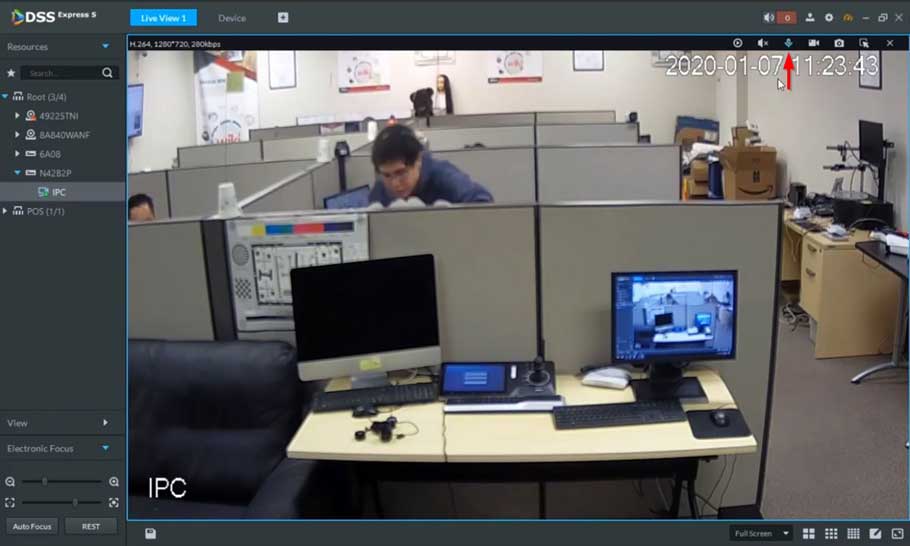
Description This section will show how to setup / use Two Way Talk function with Dahua devices. Testing N42B2P-992108_DH_NVR4XXX-4KS2_MultiLang_V4.000.0000001.4.R.191129 192.168.2.216 or 3H066BDPAZA7D00 2-Way talk…
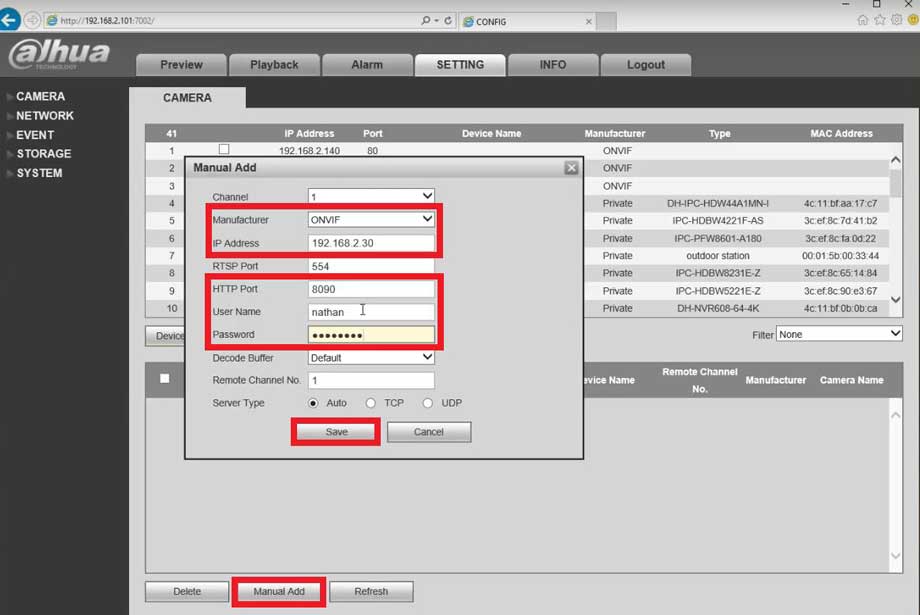
Description DeskCamera is an affordable and easy solution for streaming multiple desktops screens and web cameras from a single computer to your Onvif compliant…
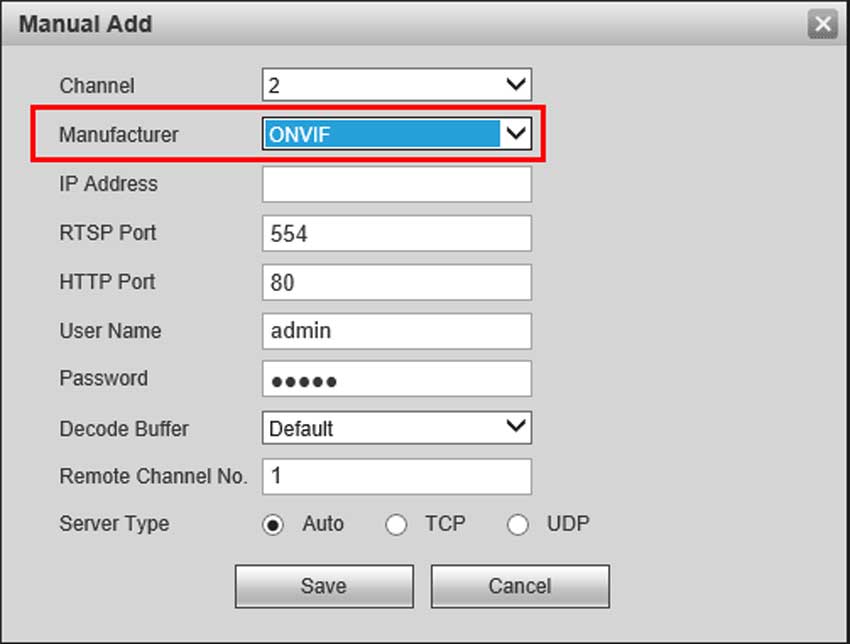
NOTE ONVIF must be enabled on the Hikvision camera before trying to add the device to a Dahua recorder. => Enable “HIkvision-CGI” Set, “Hikvision-CGI…