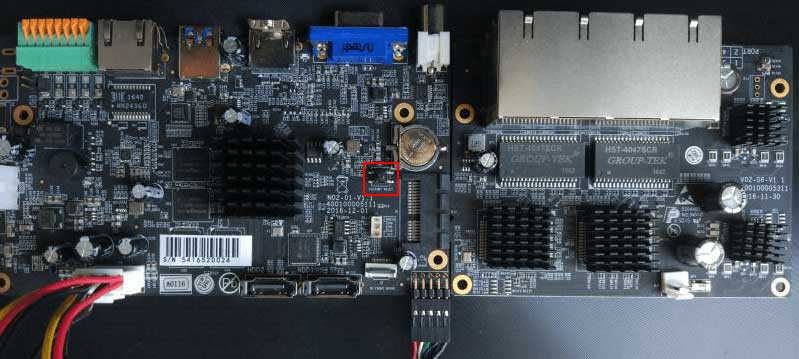
How to reset device password CloudSEE
How to reset device password? Ans: For resetting the password, we need the error code generate in the device. Send the error code using…
Start typing to search...
How to reset device password? Ans: For resetting the password, we need the error code generate in the device. Send the error code using…

How to Setup iCSee cameras all models iCsee – How to reset the camera 1. Power on the camera, the red indicator light will…

UPDATING FIRMWARE Hikvision Hilook Firmware regularly updates the firmware in our products to resolve potential issues and keep your system running smoothly. Below, you…

How to Download and Prepare Firmware Description This guide will show how to download and prepare the firmware file for a Dahua device. Firmware…

Dahua’s License Plate Recognition cameras automatically capture vehicle license plate images, and recognize license plate numbers and letters During playback, an operator can perform…

Purpose: There is no speaker nor a microphone in the DVR recorder. In order to record the sound on the system, please know that you…
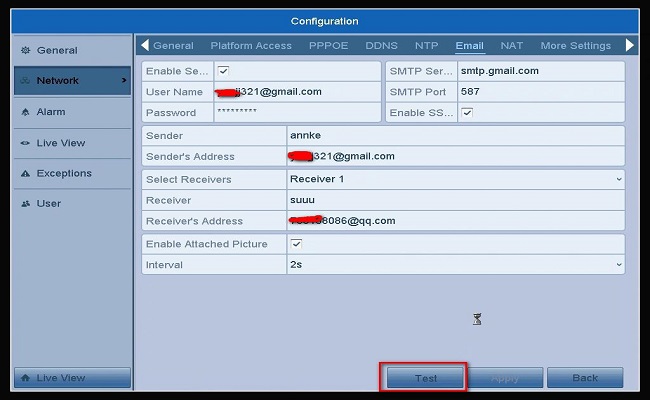
Purpose: You could set up the email alert function to receive the motion notification. Steps: 1. Please use Gmail, not yahoo nor Hotmail. 2. Check P2P…
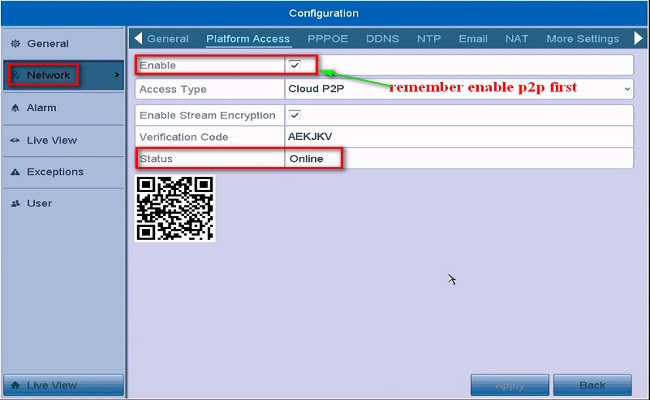
Here in this post, we are going to give you the complete Hikvision Mobile Setup process. It is given here for users who want to view Hikvision…

1. Introduction NVR Fisheye Dewarping converts the Fisheye view to a different display mode, that is, to expand a 360°panoramic view into a regular…
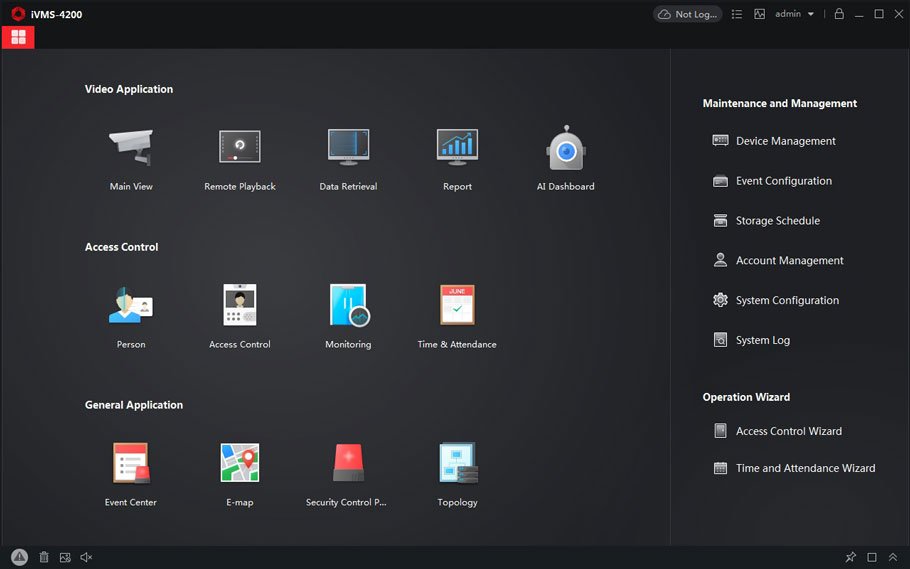
Free CCTV Camera Software Top 25 We are about to discuss the top 25 CCTV cameras software that is available in the market. The…
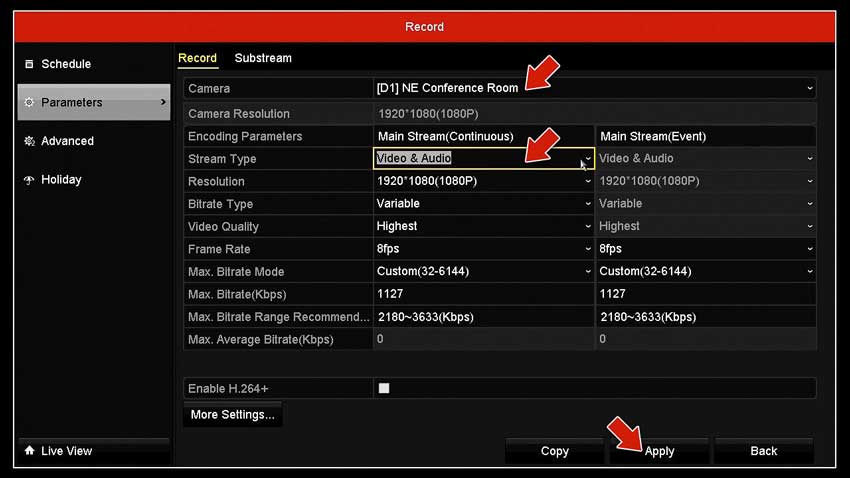
Complete CCTV Microphone Tutorial Hooking up microphones to your DVR or IP camera gives you an additional level of surveillance. Not only can you…

Video Loss Troubleshooting for DVRs NVRs This is a basic setup guide that you need to double check if in case your cameras are…