
Guarding Vision Quick Setup 2024
Guarding Vision Quick Setup 2024, Guarding Vision Mobile Software has been designed to help small businesses effectively operate and manage security devices from a…
Start typing to search...
Guarding Vision Quick Setup 2024, Guarding Vision Mobile Software has been designed to help small businesses effectively operate and manage security devices from a…

Setting up Ajax Security System, To install the Ajax security system, you’ll need a smartphone with Ajax PRO app installed and some basic tools like…

How to reset the password or get the recovery code of your DVR/NVR To know how to get the password of your reset the…
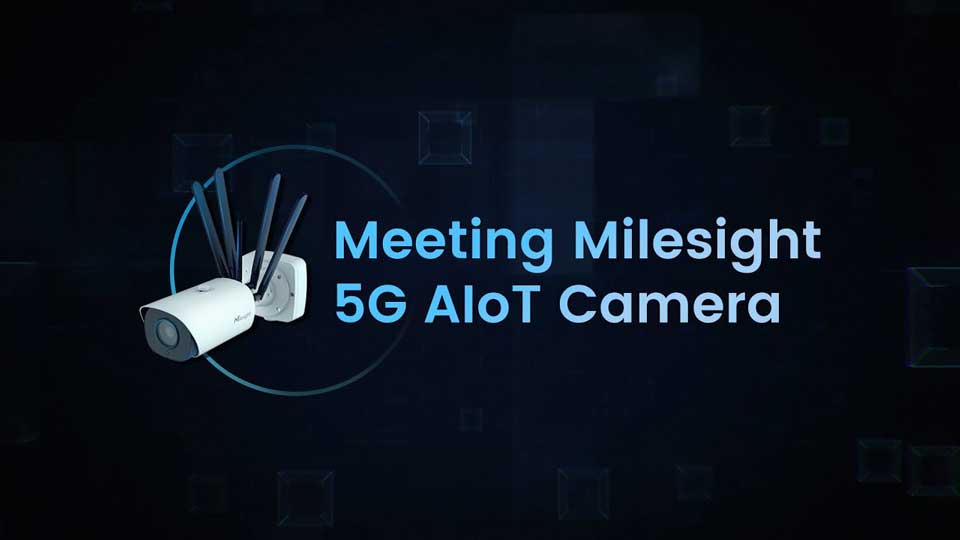
How to use AIoT Camera Introduction of AIoT Camera Milesight AIoT Pro Bullet Plus Network Camera is our newest member of the 5G Series….
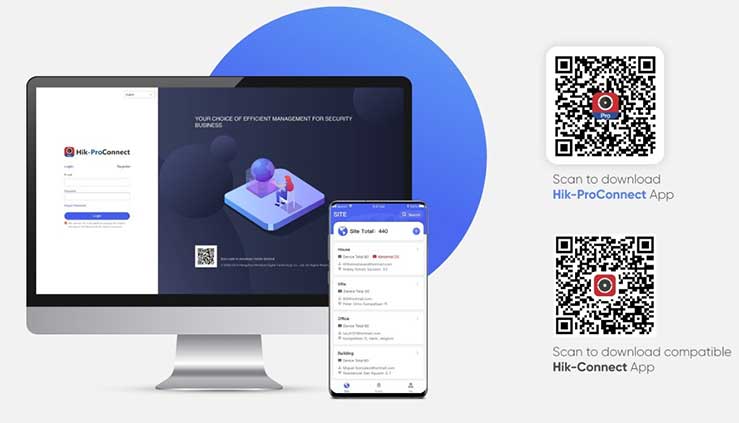
Hikvision Hik-Connect Device management In this Article you can add devices to the Mobile Client and configure device functions such as video and image…
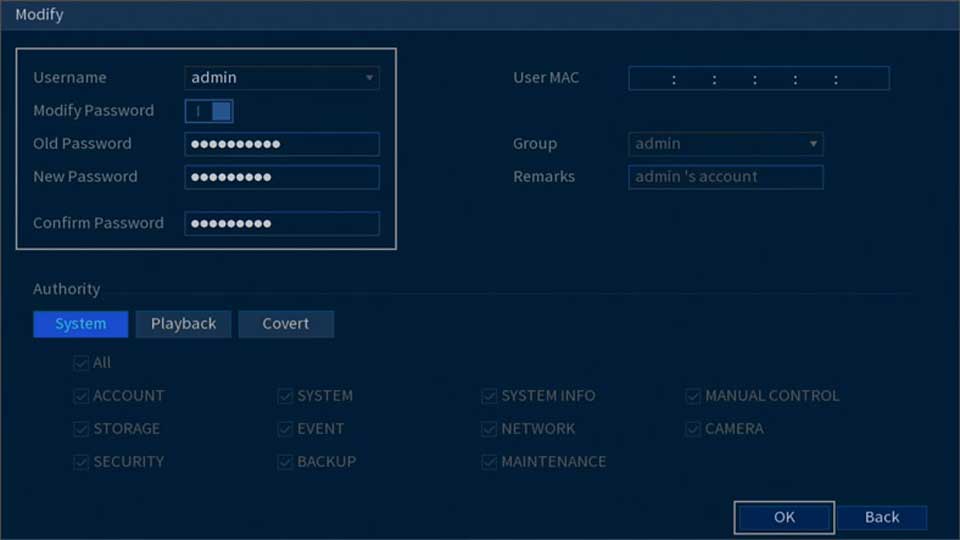
lorex password reset all models If you restore your DVR / NVR system to default settings, the username and password will also be restored…

Free IP Camera Cloud Storage: Setup, Cost, Risks & Free Solutions So you are looking for an IP camera cloud storage solution? And want…

Troubleshooting Lorex devices Lorex Cloud: Troubleshooting for migrated devices Troubleshooting Lorex devices Users who recently migrated from the Lorex Secure / FLIR Secure app…

YI Smart Camera Password reset methods Change or Forgot Password If you have forgotten your login password for your YI Account, please follow the…
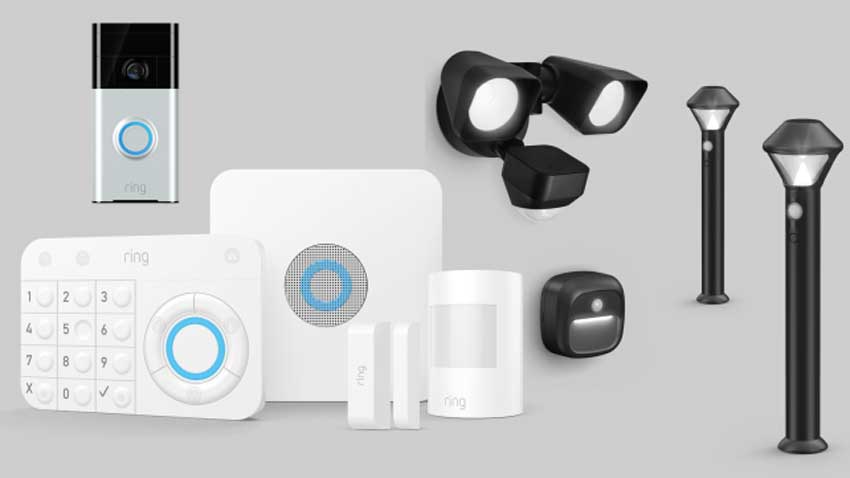
Content Ring Alarm Range Extender – Setup and Use Understanding and Setting Up Your Devices in the Ring App Where to place Your Ring…
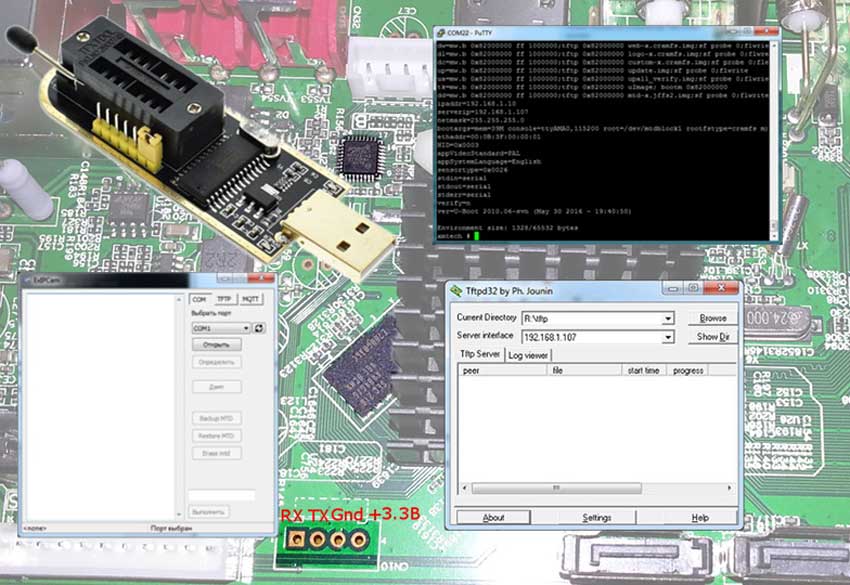
Update Procedure Updating XM devices was covered in a separate article, but here I will share additional information that may be useful when recovering…

Contents 1 How to operate the CloudEdge App 1.1 Register account 1.2 Add the camera 1.3 Add the camera by Scan QR Code 1.4 Add the camera by AP…
